Take a generated model into Blender, Unity or Unreal
A generated GLB opens in Blender, Unity, Unreal and Godot. Set the origin, get clean quads if you will edit it, and fix the setting each engine trips on.
20 September 2026 · updated 29 September 2026 · 3 min read
Download the GLB from Image to 3D or Text to 3D. It carries the colour, roughness and metallic maps; the STL and OBJ downloads there are the shape alone.
First: edit it, or ship it?
A generated model is a couple of hundred thousand small triangles laid down by an algorithm. That is fine to render and awkward to work on. What you do before the engine depends on what the model is for.
To edit, sculpt, rig or animate it, give it clean topology first (what retopology is, and when automatic is enough). Remesh lays a new mesh of even quads over the shape, with edge flow a modeller can select loops on, and bakes the original's colour and fine detail onto it. Leave Target on Auto and it picks a face count aimed at keeping the shape within 0.4% of its size; choose Quads, and download OBJ + textures (ZIP) to keep them as real quads, since GLB can only store triangles.
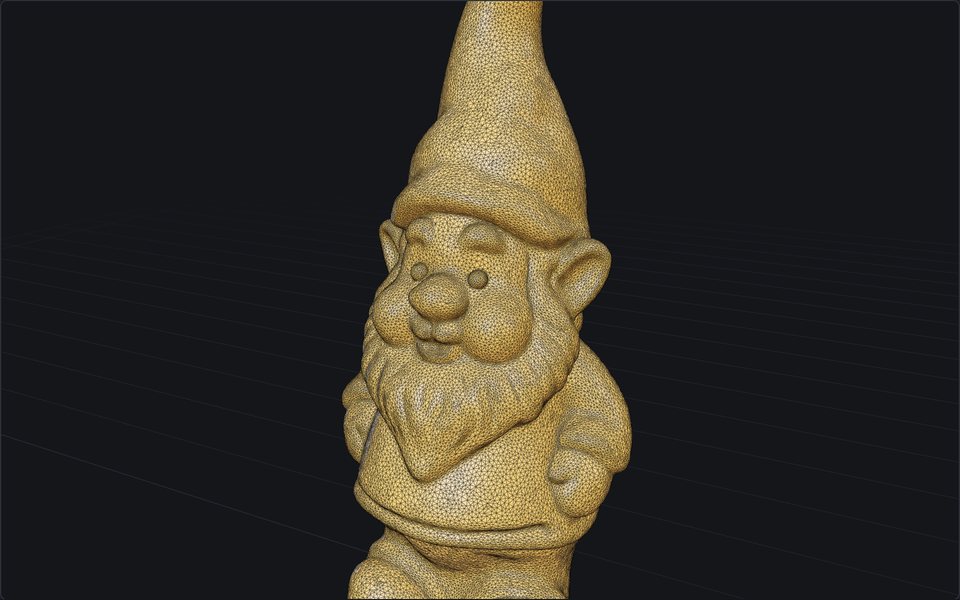
Generated: a tangle
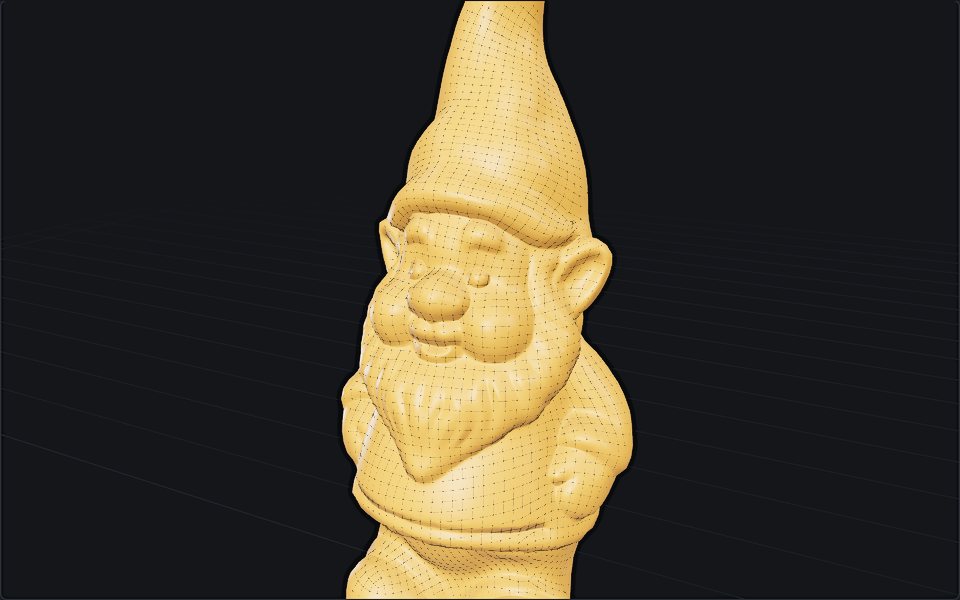
Remeshed: 5,628 quads
To use it as it is, in a scene or a game, make it lighter and set its origin. Reduce cuts the triangle count with the textures kept, and can write a LOD pack; its Origin setting, Bottom centre, moves the pivot to the floor under the model. Without that, a generated model's origin is in its middle, and it sinks halfway into the floor wherever you drop it. The Viewer warns about this and has a Download with pivot at bottom centre button if that is the only fix you need.
Blender
File → Import → glTF 2.0, pick the file. It arrives with the textures wired into a Principled BSDF and the normals correct.
Check the size. glTF is metres and so is Blender, so a generated model is about one metre across: right for a chair, large for a teapot. Scale it (S, type the factor) and apply the scale (Ctrl+A → Scale) before anything else, so modifiers and exports use the real dimensions.
The remeshed OBJ imports with File → Import → Wavefront (.obj); its textures sit next to it in the zip, and the material picks them up.
Unity
Drop the .glb into the Assets folder. Unity 2021 and later import glTF with the glTFast package from the registry. Select the imported asset, open the Materials tab and choose Extract Materials into a folder, otherwise the material stays read-only inside the file. Scale is right by default: Unity is also metres.
If the textures come in missing, the GLB probably carries WebP images, which not every Unity importer reads. Run it through Compress with Where it is going set to Unity: the textures are re-encoded as PNG and JPEG.
Unreal
Import into the Content Browser, choose Static Mesh, and leave Generate Missing Collision on. Unreal's unit is the centimetre and the importer converts from glTF's metres, so a one-metre model arrives as 100 units, which is correct.
glTF normal maps are OpenGL convention; Unreal's are DirectX. If the shading looks pressed in where it should stand out, open the normal texture and tick Flip Green Channel.
Godot and the web
Godot opens .glb directly, in metres. On the web, <model-viewer> and three.js's GLTFLoader both take the file as it is. First run it through Compress with Web, smallest: meshopt compression and smaller textures usually take it to a third of the size.
Common problems
- Pink or missing texture in Unity: materials not extracted, WebP textures, or the wrong render pipeline. Extract, compress for Unity, then upgrade materials from Edit → Rendering → Materials.
- Model far too big or small: it is the metre. Scale by 0.01 or 100, and apply.
- Model sinks into the floor: the origin is in the middle. Set Origin to Bottom centre in Reduce, Remesh or Compress.
- Shading looks faceted: Shade Smooth in Blender, or weld the vertices on import.
- The back is blurry: it always is; only one photo went in. See how image to 3D works.
More tutorials
24 September 2026 · 3 min
Image to 3D print: how to 3D print a picture
Turn a picture of an object into a sealed STL at the size you want, and know the filament cost and the printer it fits before you slice.
23 September 2026 · 3 min
How to fix an STL file that will not slice
Holes, flipped faces, loose fragments, overlapping parts: choose how far the repair goes, watch it run, and see every patch it made before you download.
22 September 2026 · 2 min
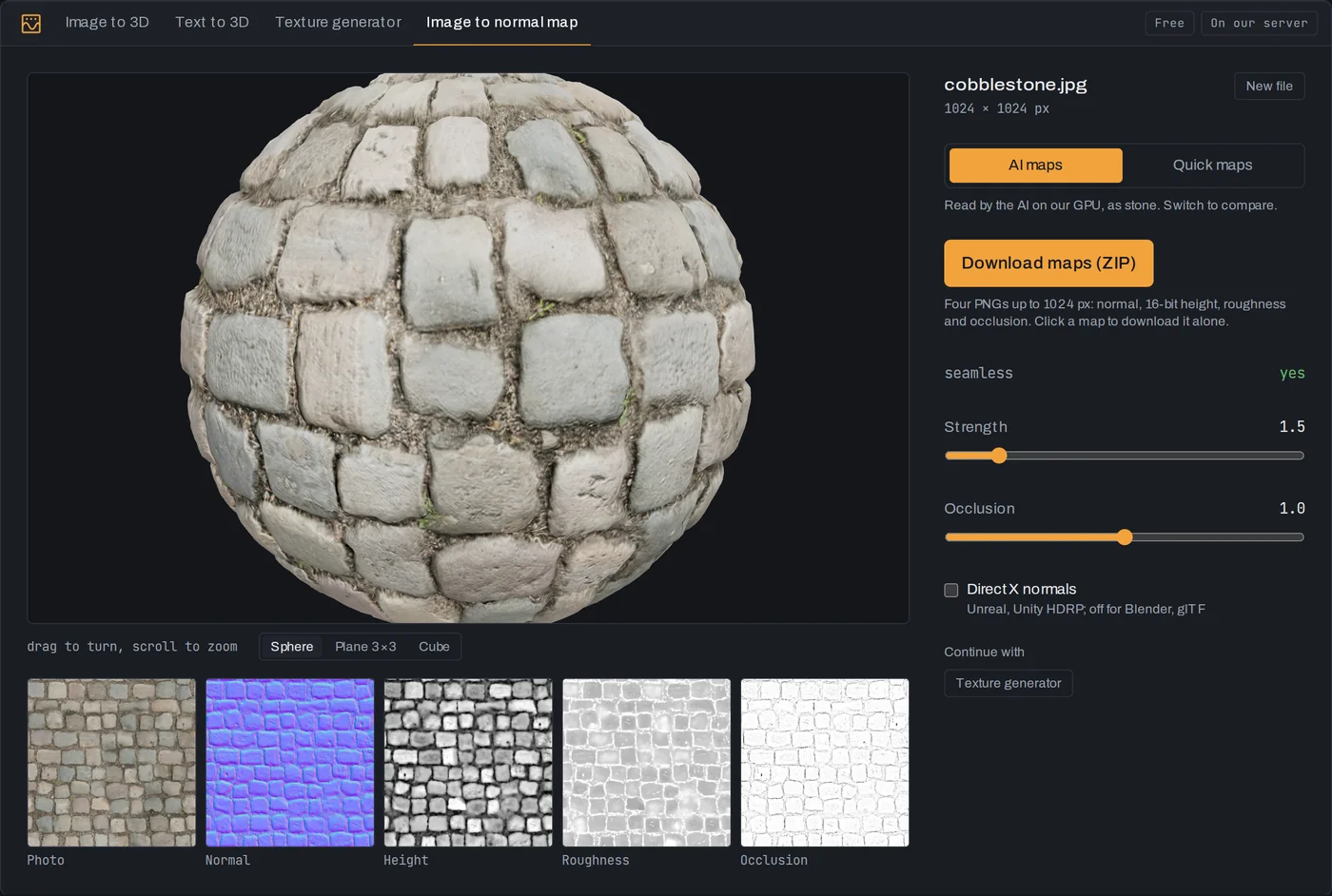
How to make a normal map from a photo
Turn a photo of a surface into normal, height, roughness and occlusion maps, read by AI on our GPU in seconds.