Free AI texture generator, No sign-up required
Describe a surface, or start from a photo of one. About twenty-five seconds later you have a tileable 2048-pixel PBR material, with colour, normal, height, roughness and metallic maps, on a lit sphere you can turn.
- Free daily
- No account required
- On our server
Or start from a photo of a surface
- JPG
- PNG
- WebP
- HEIC
It is made seamless: evenly lit and tiling, with its own detail kept and only the seams repainted. The photo is sent for the run and not kept.
No photo? Try one:
What you get
A colour map painted by FLUX.2 klein at 2048 pixels, flat, evenly lit and seamless by construction. The normal, height, roughness and metallic maps are read from it by models trained on textures, in the same run: bricks stand out from their mortar, cobbles are rounded, and only bare metal is marked as metal. The height map is 16-bit, and every map tiles like the colour does. Drop the folder into Blender’s Principled BSDF, a Unity or Unreal material, or a three.js MeshStandardMaterial and it works as is. The normal map uses the OpenGL convention; flip the green channel for Unreal.
A photo you want to keep exactly as it is? Image to normal map makes its maps without repainting it: the same AI maps, on a free GPU. Or search the free CC0 textures: thousands of scanned materials, likely one close to what you need.
Engines
FLUX.2 kleinfree
A 2048-pixel surface from a description that tiles by construction, with its normal, height, roughness and metallic maps.
about 25 seconds
Muse Imagecredits
Meta's image model paints the surface, then its edges are joined so it tiles. Realistic at the lowest price.
about a minute
GPT Image 2.5credits
OpenAI's image model paints the surface at 2048 pixels, then its edges are joined so it tiles. The flattest, most even light of the models tried.
about 50 seconds
Texture generator models compared
Every model was given the same two descriptions, one run each. Each picture is the finished tile.
Brick wall
“red brick wall with white mortar”
The description 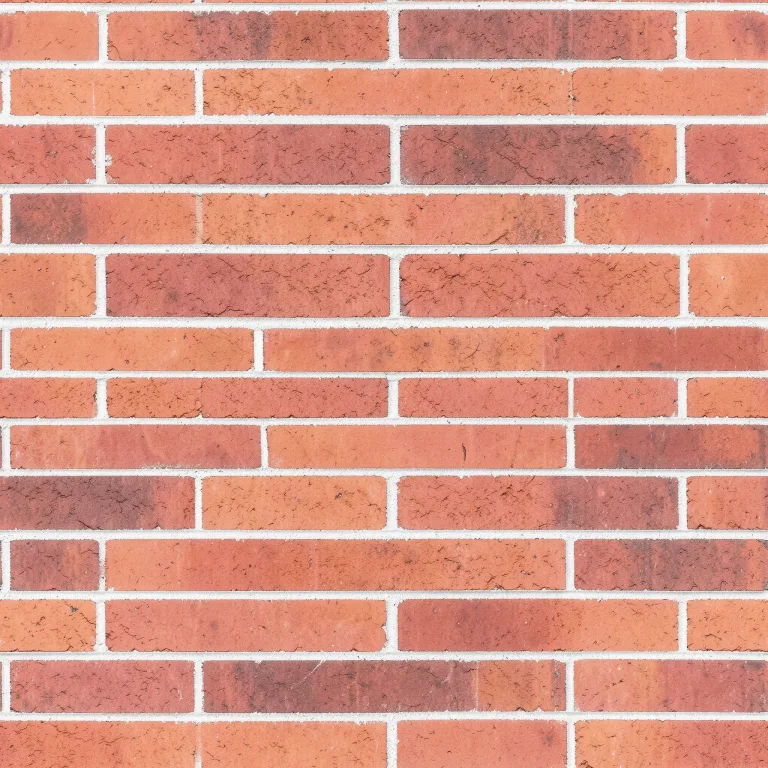
FLUX.2 kleinfree · about 25 seconds 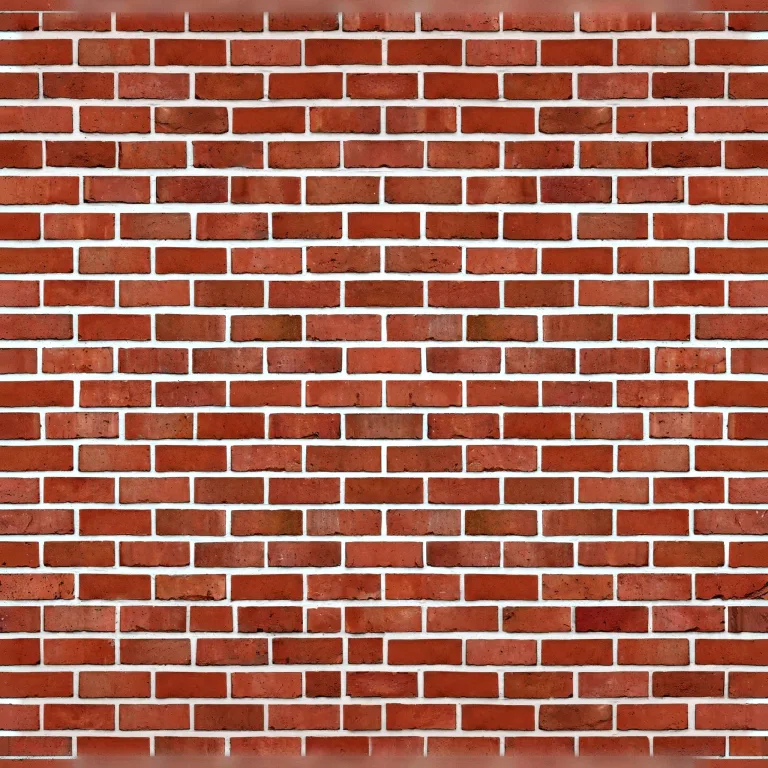
Muse Image5 credits · about a minute 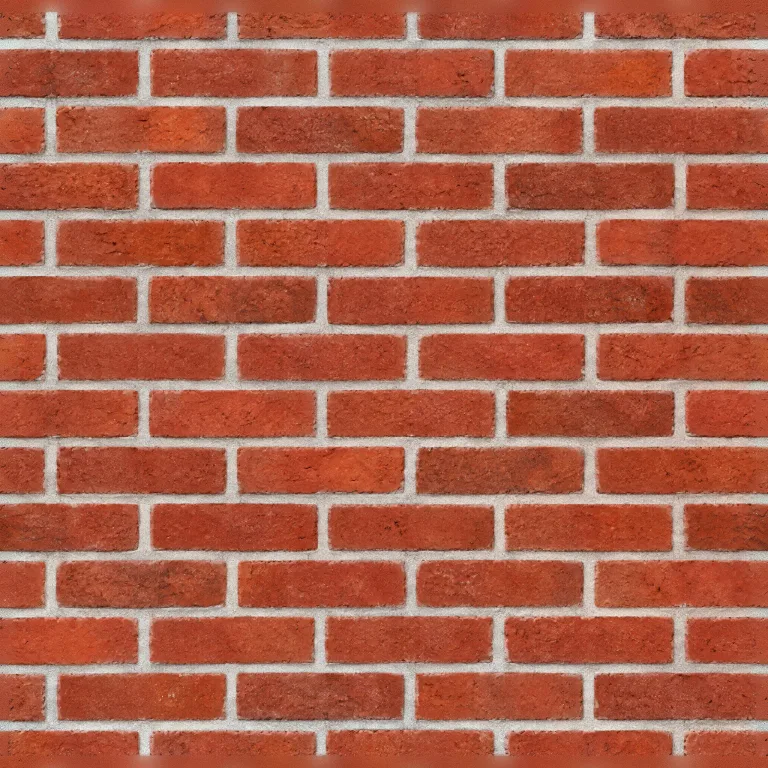
GPT Image 2.58 credits · about 50 seconds
Rusty metal
“rusty painted metal, flaking blue paint”
The description 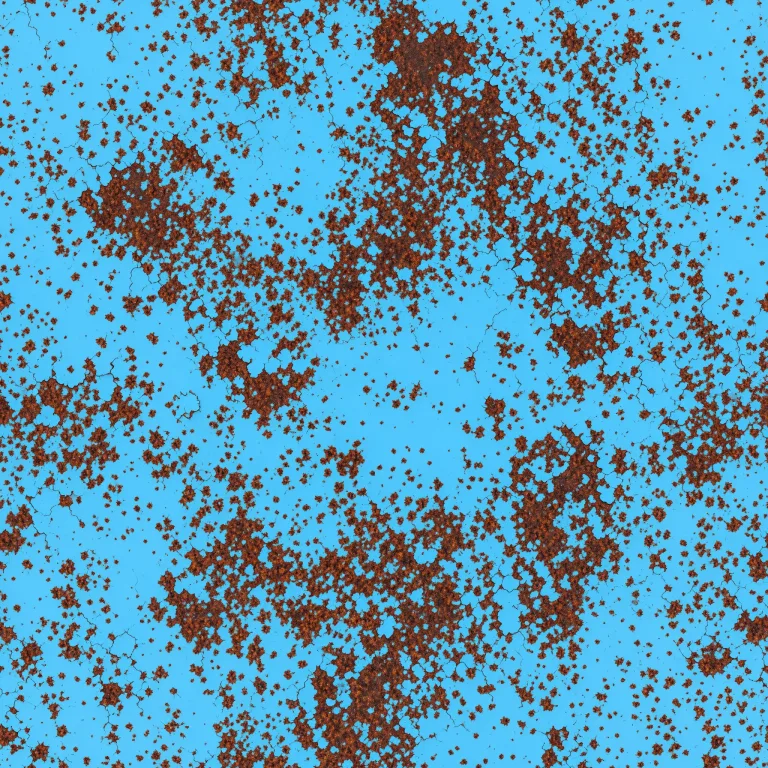
FLUX.2 kleinfree · about 25 seconds 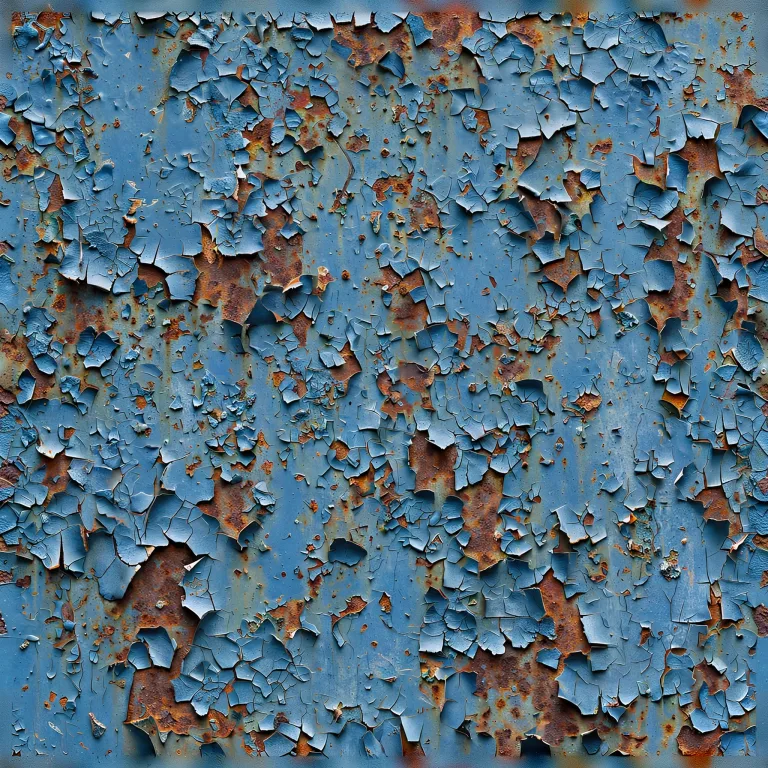
Muse Image5 credits · about a minute 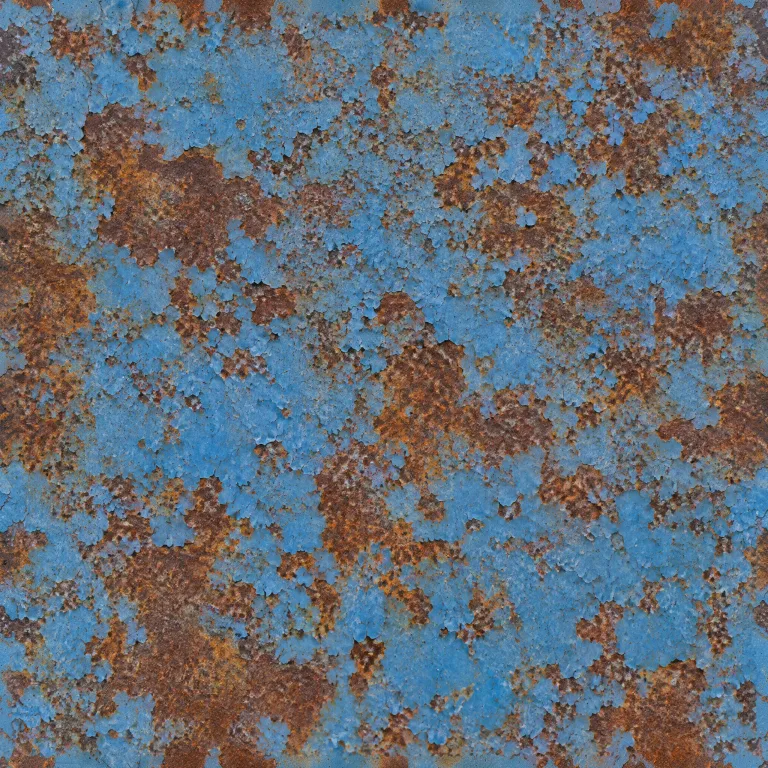
GPT Image 2.58 credits · about 50 seconds
Questions
- Is this an AI texture generator?
- Yes, two kinds of model in one run on a shared GPU. FLUX.2 klein, an open-weights image model, paints the colour map from your description, or repaints the seams of your photo. A second set of models trained on textures then reads the normal, height, roughness and metallic maps from that colour map, so a painted brick comes out raised and its white mortar sunk. If that second step fails, the maps are worked out from brightness in your browser instead, and the result says so.
- What is a PBR material?
- A set of images that together describe a surface for a renderer: base colour is what it looks like, normal and height fake the bumps, roughness says how glossy it is, metallic whether it is metal. Blender, Unity, Unreal and three.js all read the same set. A single photo is not a material. It has lighting baked in and no bumps.
- Is it really seamless?
- Yes, by construction. Every step of the painting runs twice, once on the picture as it is and once shifted by half, so the edges sit in the middle, and the two are blended. The edges end up painted like any other part of the picture, and the last step reads across them as it turns the result into pixels. The preview's tiled plane shows the result 3 × 3, and the "seamless" line in the report checks the seam.
- What size are the textures?
- The colour and the normal, height, roughness and metallic maps are all 2048 pixels, which holds up close to the camera.
- What makes a good description?
- The material and its state, plainly: 'mossy cobblestone', 'worn oak floorboards', 'rusted corrugated metal', 'terracotta roof tiles'. Colour and scale words help ('small grey pebbles'). Objects and scenes do not: a texture is a surface seen straight on.
- Can I make a photo seamless?
- Yes: add the photo. It comes back evenly lit and tiling in every direction, with its maps, at 2048 pixels if the photo is large enough for that and 1024 if not. Its own detail is kept; only a narrow strip along the seams is repainted.
- Can I use another image model?
- Yes, with credits. Muse Image and GPT Image 2.5 paint the surface from the same description; neither can paint a picture that tiles, so the result is then made seamless the way a photo is, and the maps are read from it. FLUX.2 klein stays free and tiles by construction.
- Why does my photo show a seam when it tiles?
- Two reasons, usually together. The left edge does not continue into the right one, and the light falls off across the photo, so one side is darker than the other. Repeat it across a floor and both show as a grid. Making it seamless fixes the edges and evens out the light.
- Is it the same surface afterwards?
- Yes, nearly all of it. The photo is cropped to a square, its light is evened out, and a narrow strip along the seams is repainted so the edges meet; everything outside that strip is your own pixels. If the photo already tiles and you only need its maps, Image to normal map keeps it exactly as it is.
- Do I need an account or to sign up?
- No. No sign-up, login or email is required: open the page and use it. The AI runs on a free daily allowance per visitor, and when it is used up the page says when it comes back; the tools that run in your browser keep working in the meantime.
Next
- Image to normal mapMake the normal, height and roughness maps of any photo, so a flat surface catches the light like the real one.JPG · PNG · WebP · HEIC
- RetextureGive a model you already have new colours and materials, from a picture or a description. The shape stays.a 3D model + an image or text
- Image to 3DTurn a photo of one object into a textured 3D model in about a minute. Download it as GLB, OBJ or STL.JPG · PNG · WebP · HEIC