3D tools
Every tool is free and none needs an account. Pick by picture: each card shows what the tool does to a real file, and says where it runs: in your browser, where the file stays on your device, or on our server.
- 12 tools, no sign-up required
- 5 AI tools, free daily
- 7 browser tools, unlimited
Create
No file yet, or not the right one.
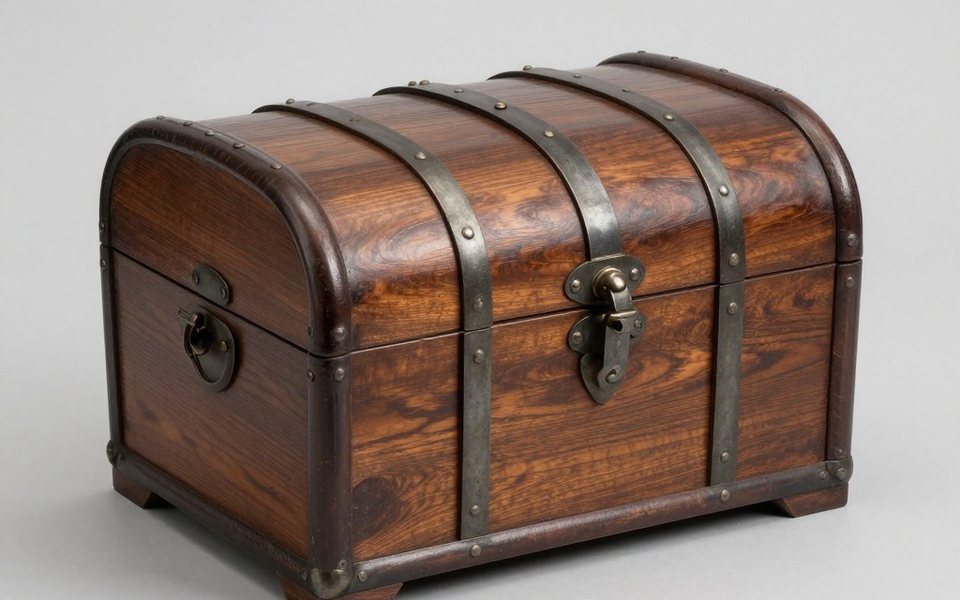
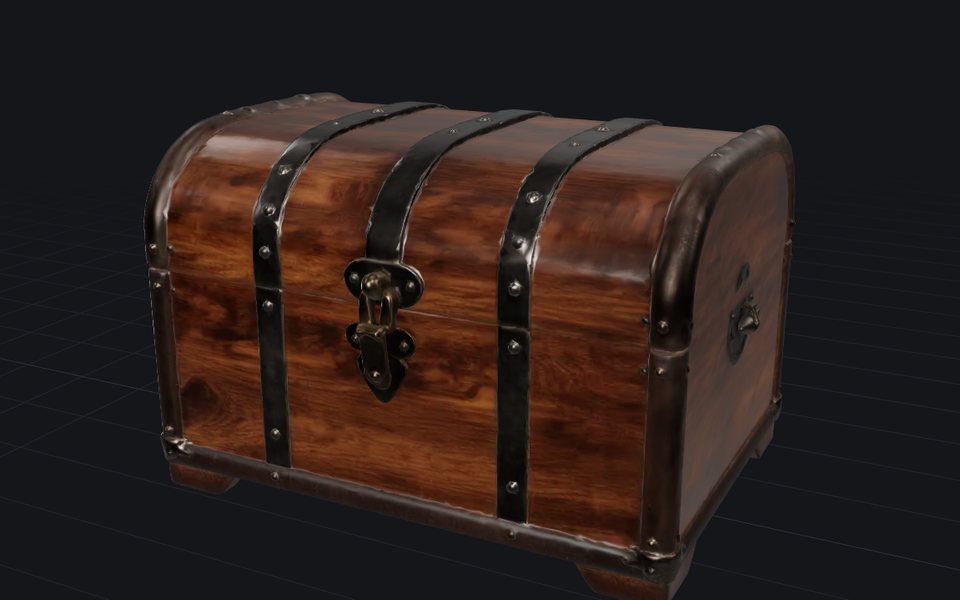 Image to 3DFree dailyTurn a photo of one object into a textured 3D model in about a minute. Download it as GLB, OBJ or STL.On our server · JPG · PNG · WebP · HEIC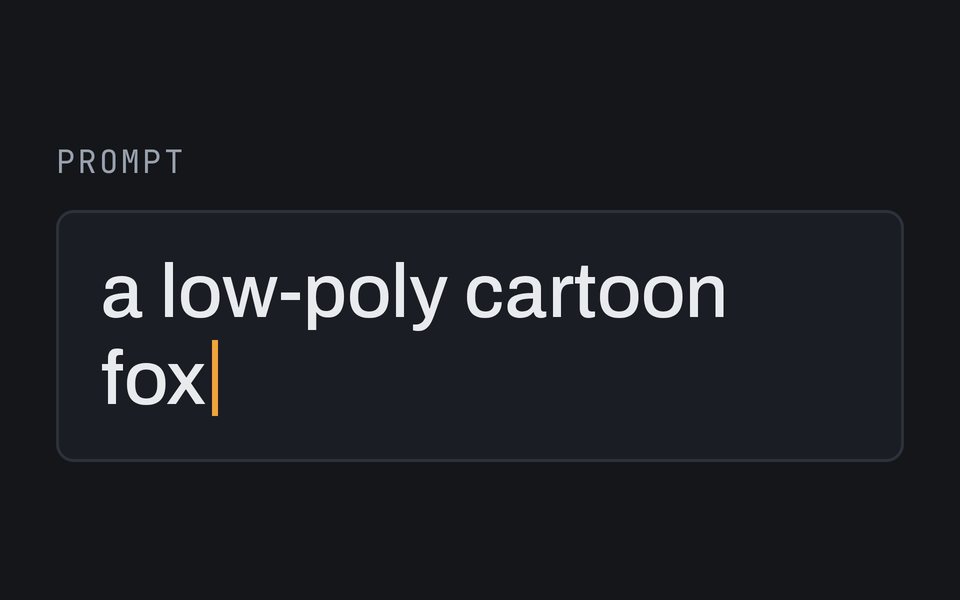
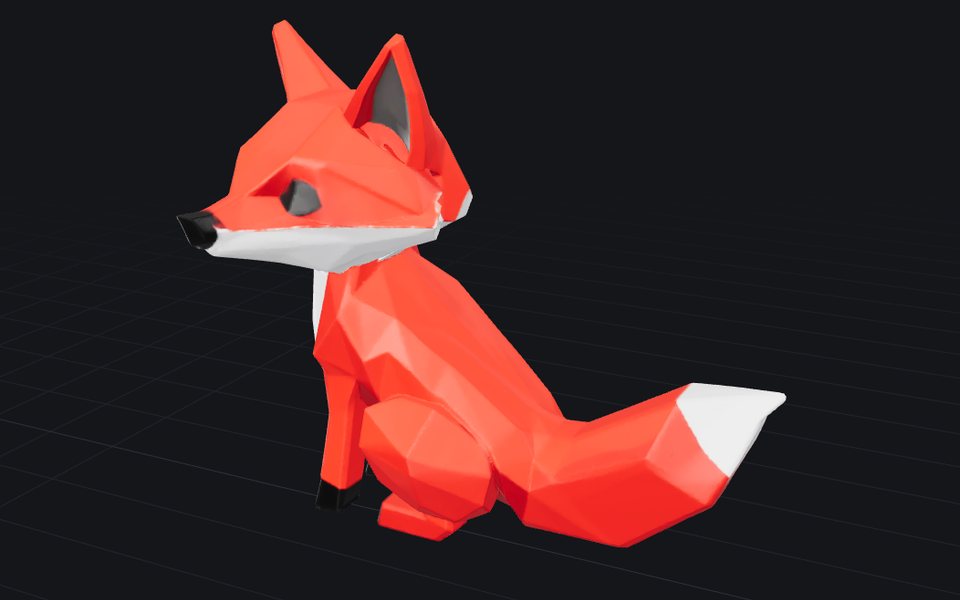 Text to 3DFree dailyDescribe one object in a sentence and get a textured 3D model you can download.On our server · a description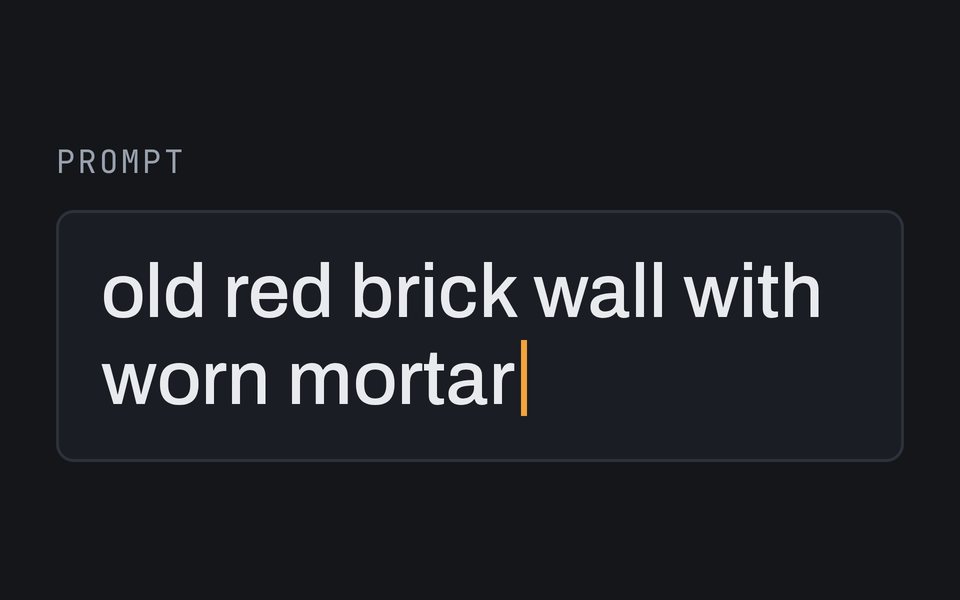
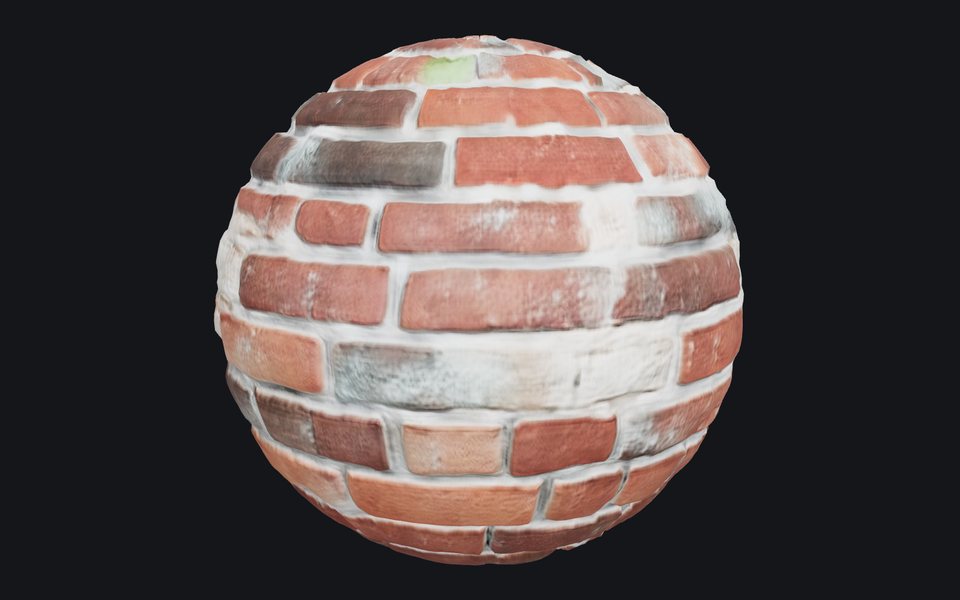 Texture generatorFree dailyDescribe a surface, like mossy bricks or oak planks, or add a photo of one, and get a texture that tiles without seams, with the maps games and renderers use.On our server · a description · a photo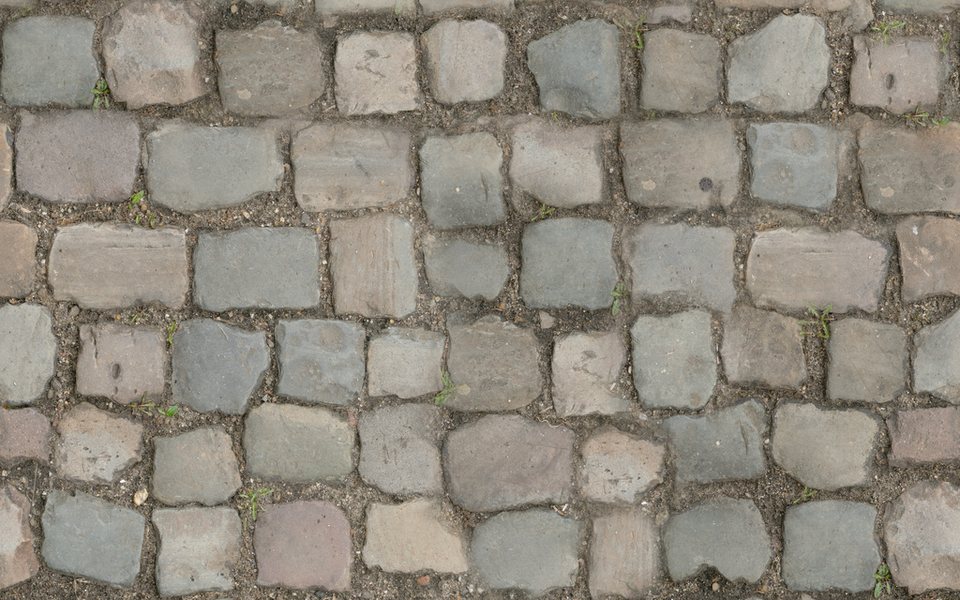
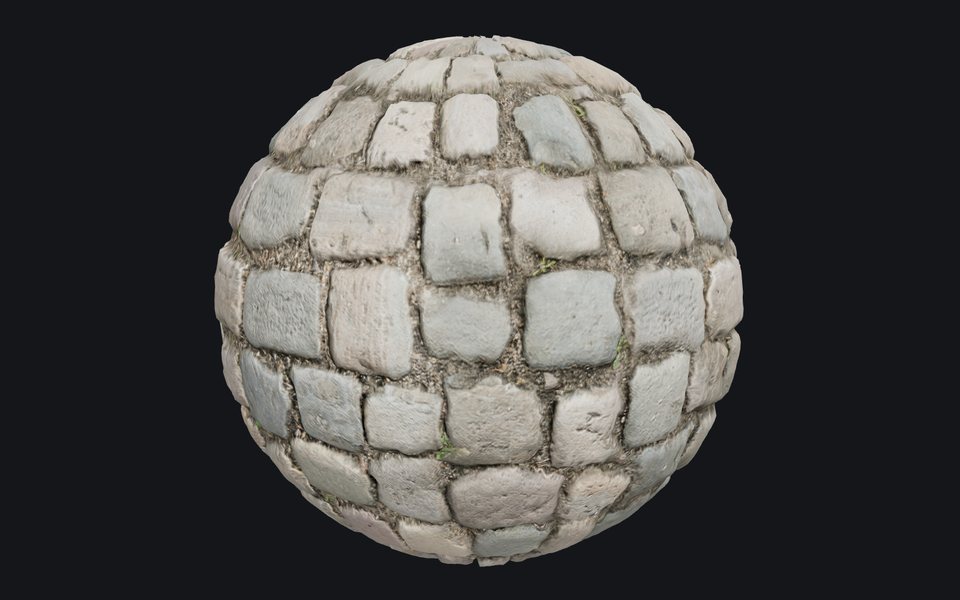 Image to normal mapFree dailyMake the normal, height and roughness maps of any photo, so a flat surface catches the light like the real one.On our server · JPG · PNG · WebP · HEIC
Fix
A model you have, made right: repaired, remeshed, lighter, smaller or repainted.
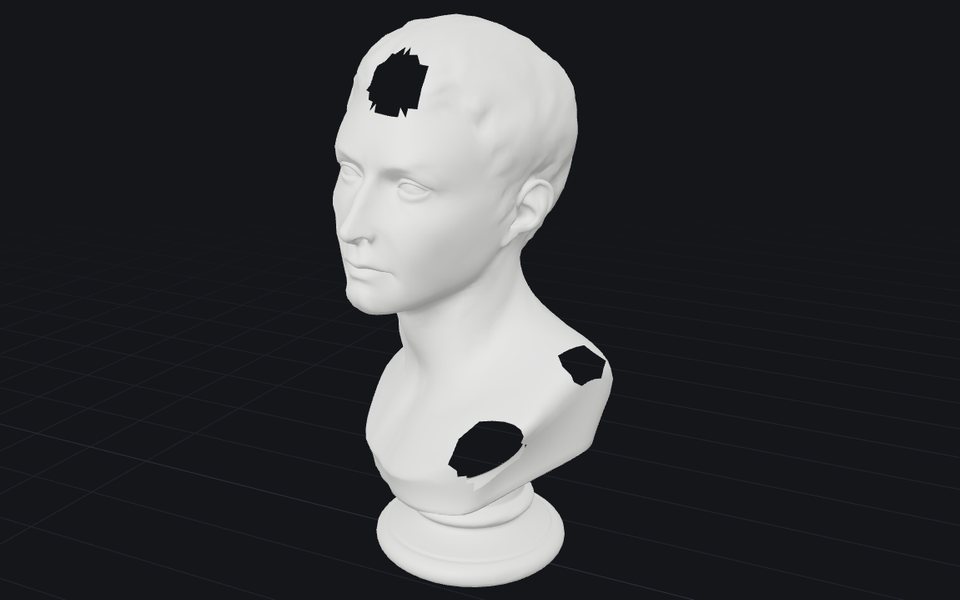
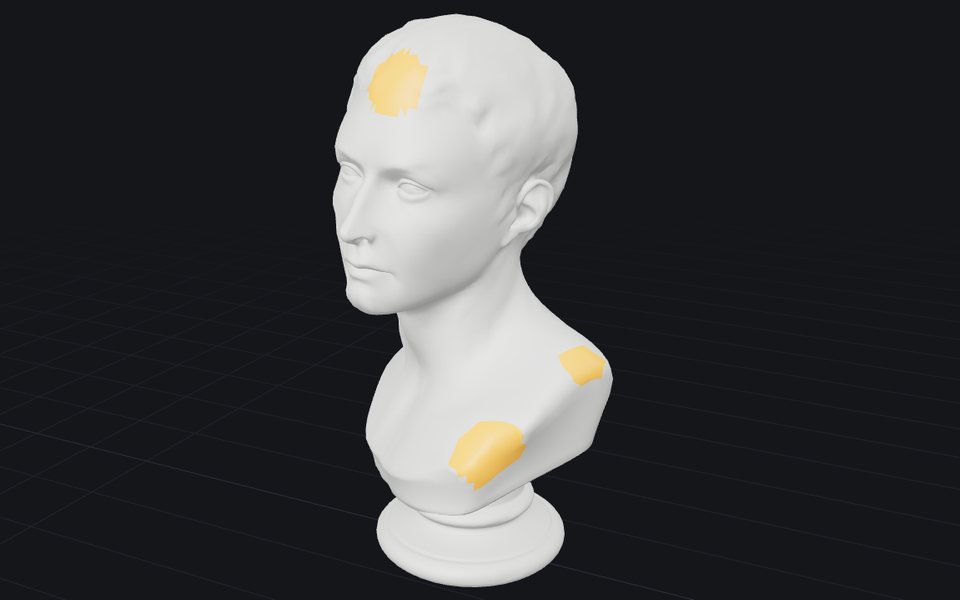 RepairFree, unlimitedClose holes and fix broken faces so the model slices and prints. A short report shows what changed.In your browser · STL · OBJ · PLY · GLB · glTF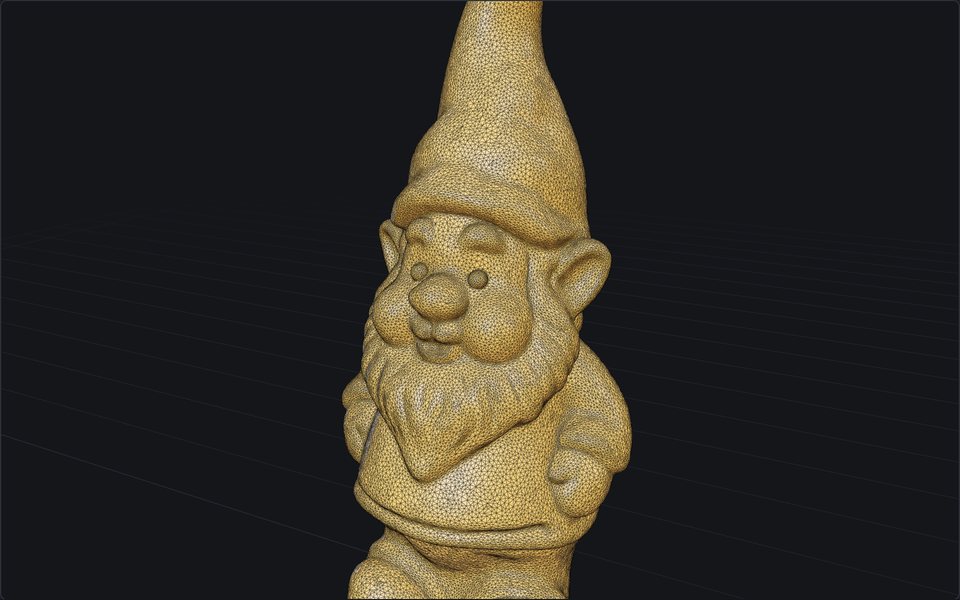
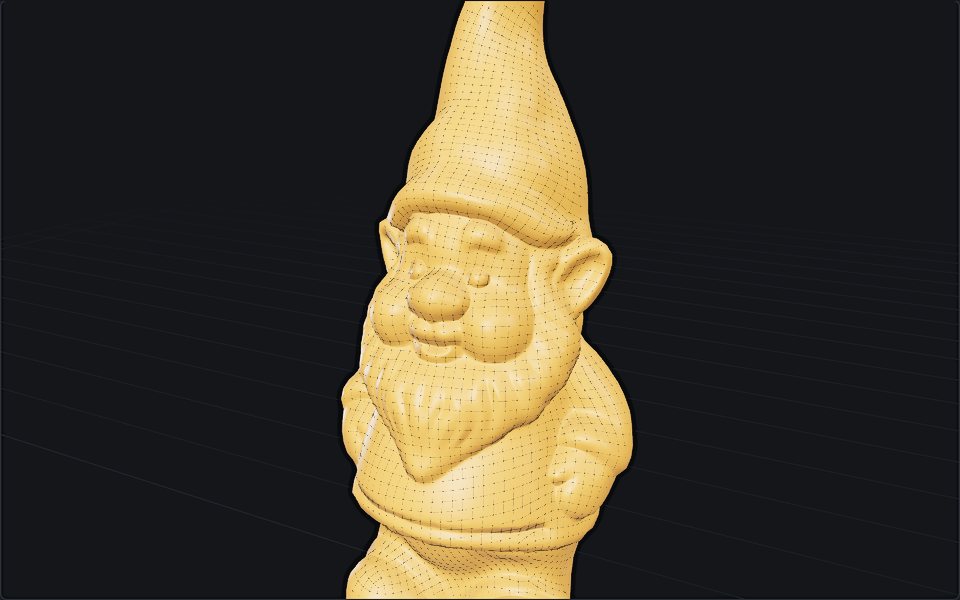 RemeshFree, unlimitedA clean new mesh for editing or animation: even polygons at the count you choose, textures carried over.In your browser · STL · OBJ · PLY · GLB · glTF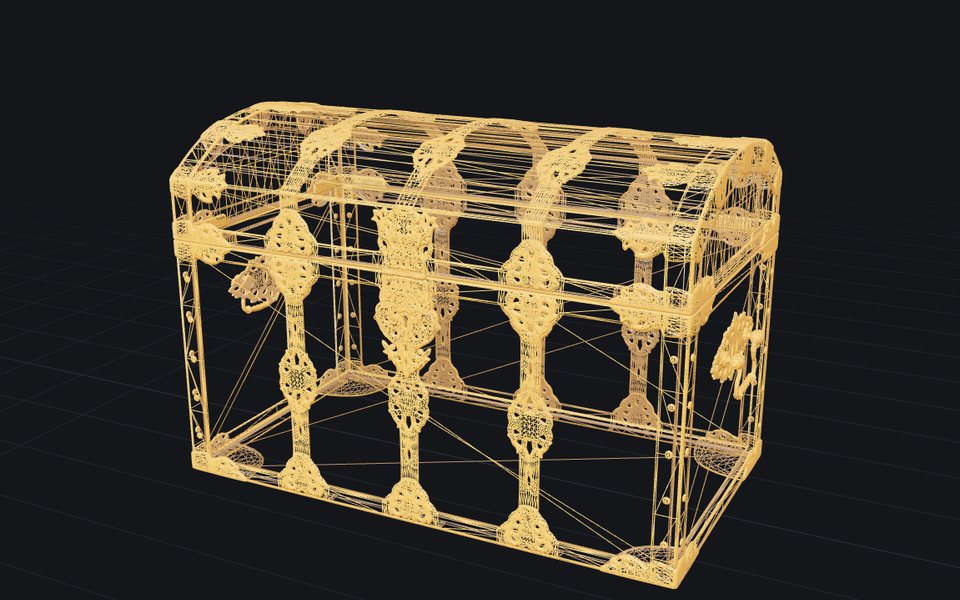
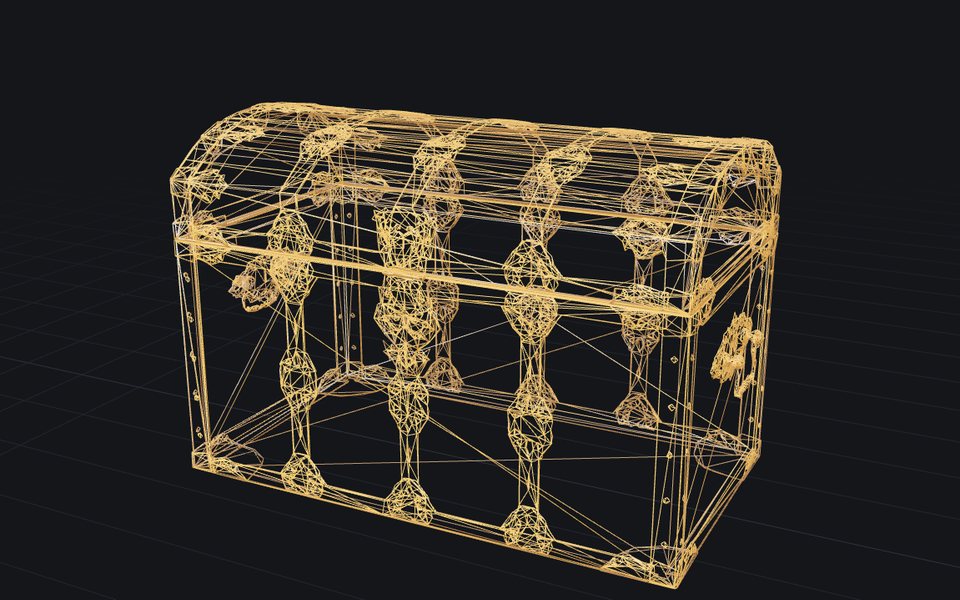 ReduceFree, unlimitedFewer triangles, same look: make a heavy model lighter, textures kept.In your browser · STL · OBJ · PLY · GLB · glTF
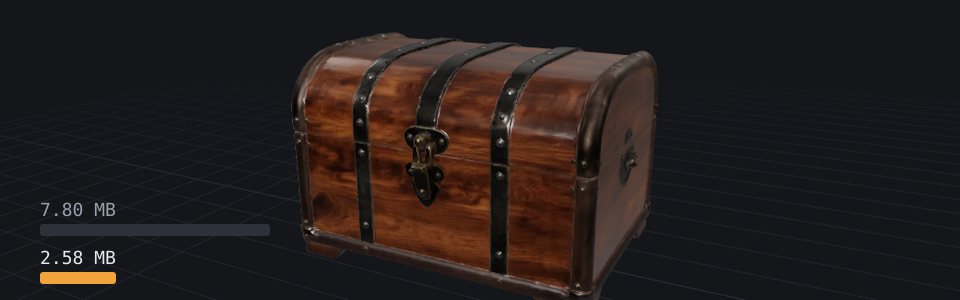 CompressFree, unlimitedA smaller file, same model: for the web, a game or an email.In your browser · STL · OBJ · PLY · GLB · glTF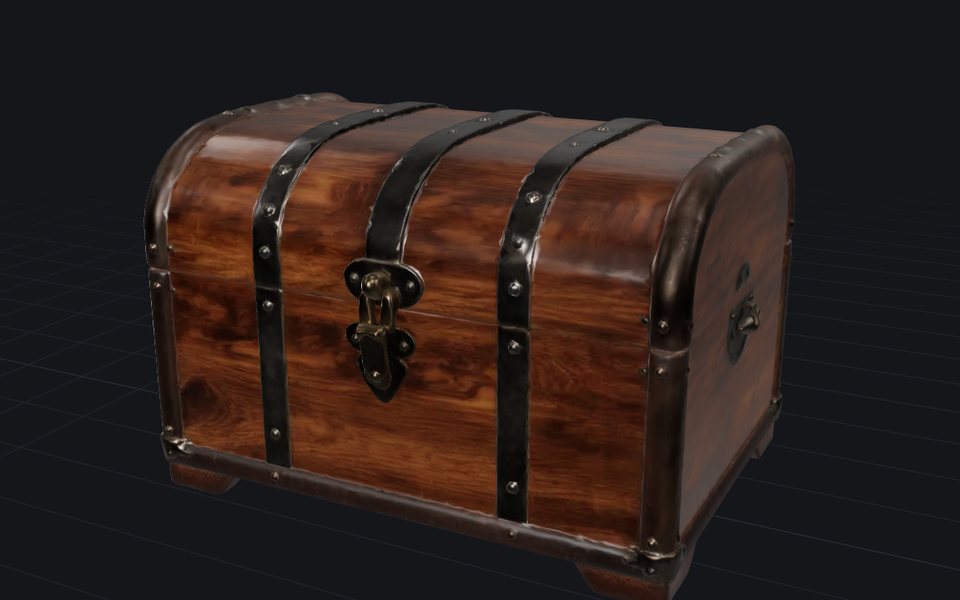
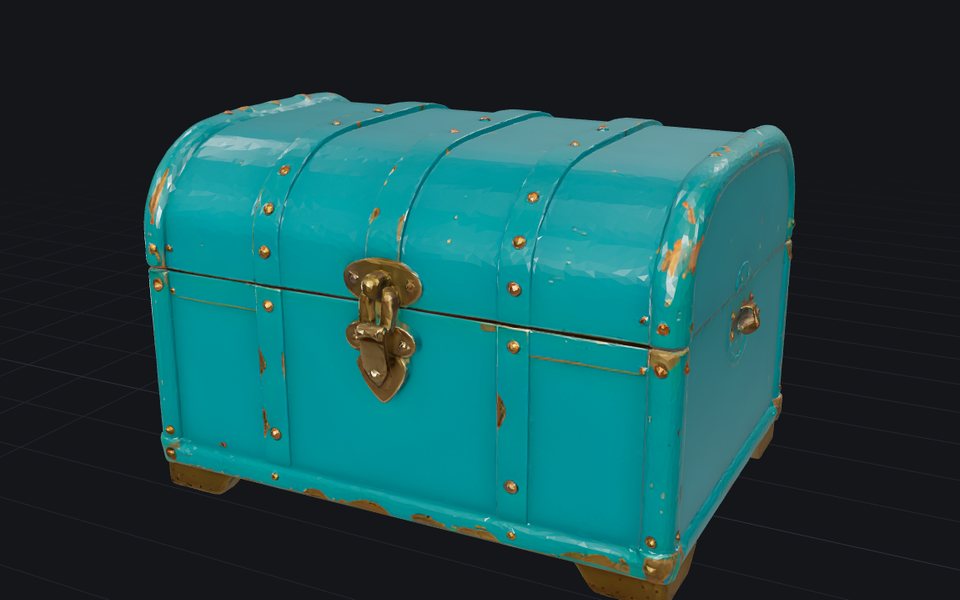 RetextureFree dailyGive a model you already have new colours and materials, from a picture or a description. The shape stays.On our server · a 3D model + an image or text
Check
Find out before you commit.
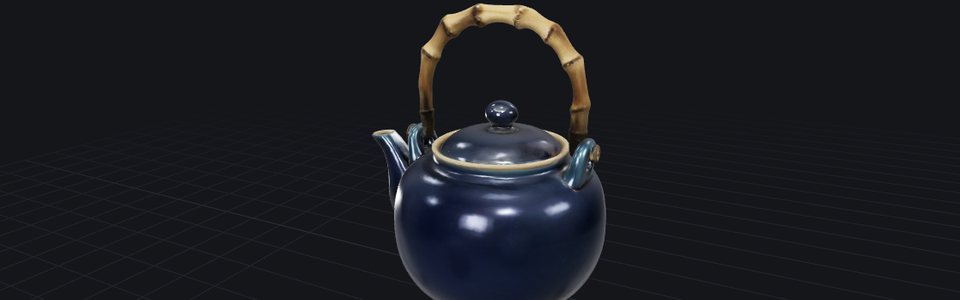 ViewerFree, unlimitedOpen any 3D file, turn it around, and see its size, volume and polygon count.In your browser · STL · OBJ · PLY · GLB · glTF
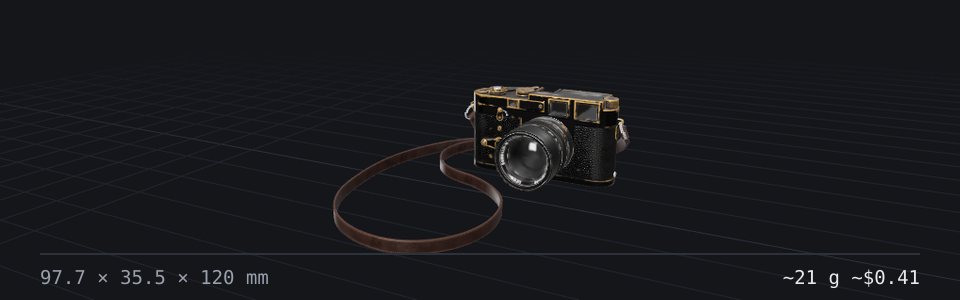 Print costFree, unlimitedWork out what a print costs and what to charge: filament, electricity, printer wear and your time, from slicer figures, a model or G-code.In your browser · STL · OBJ · PLY · GLB · glTF
Convert
Wrong format, wrong units.
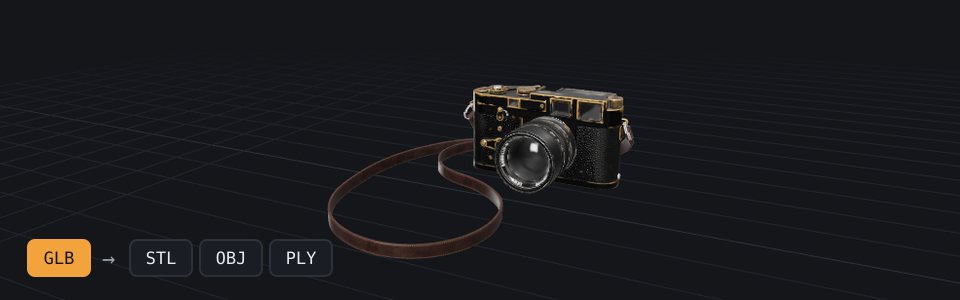
Questions
- Which tools upload my file?
- Only the ones marked "On our server": Image to 3D, Text to 3D, the Texture generator, Image to normal map, Retexture and Remesh, which need a GPU or a server. Your input is sent for the run and discarded afterwards. Everything else, Repair, Reduce, Compress, Viewer, Print cost and Convert, is marked "In your browser" and runs there: instant, private, and unlimited, since no server means no cost per file and no queue.
- Is there a file size limit?
- Repair caps at 100 MB, which is far larger than almost any printable model. The limit exists because the work happens in your browser, using your memory. The GPU tools take images up to 2048 px on the long side; Retexture takes models up to 500,000 triangles.
- Is it really free?
- Yes, every tool here is free and none needs an account. Most file tools run in your browser. Remesh and the AI tools run on our server, and the AI tools have a daily allowance per visitor.