Turn a photo into a 3D model. Free.
A photo of one object becomes a textured 3D model in about a minute. Download it for printing, a game or the web. No account required.
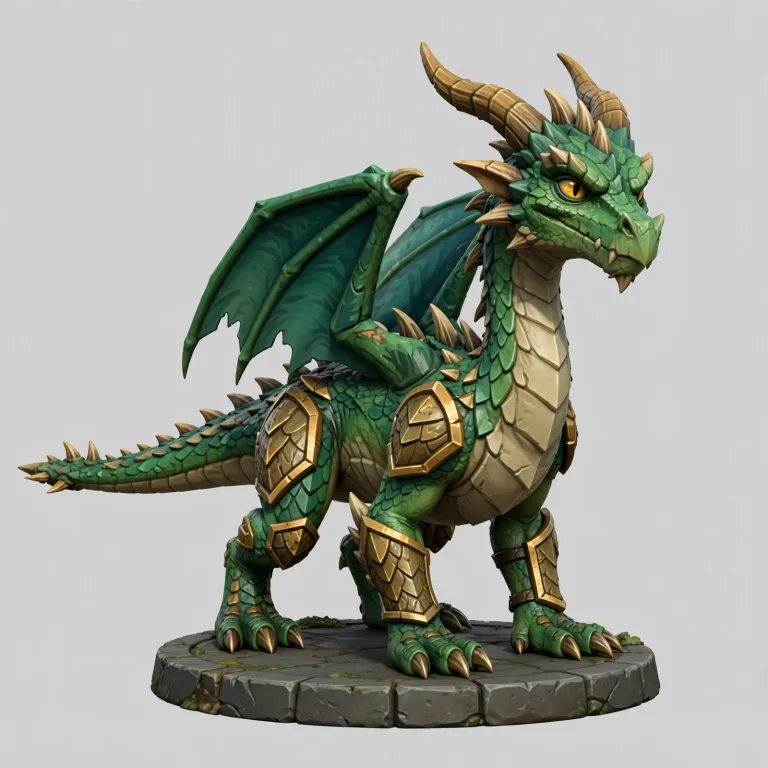
or drop one here. JPG, PNG, WebP or HEIC.
Popular tools
All 12 toolsEach picture is a real file before and after. All free, and the file tools run in your browser, so your files stay on your machine.
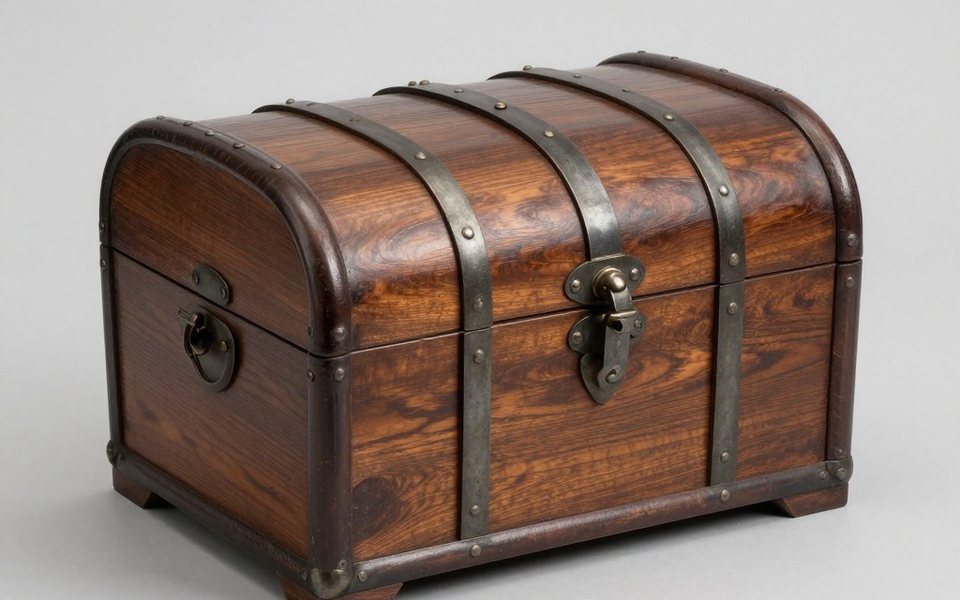
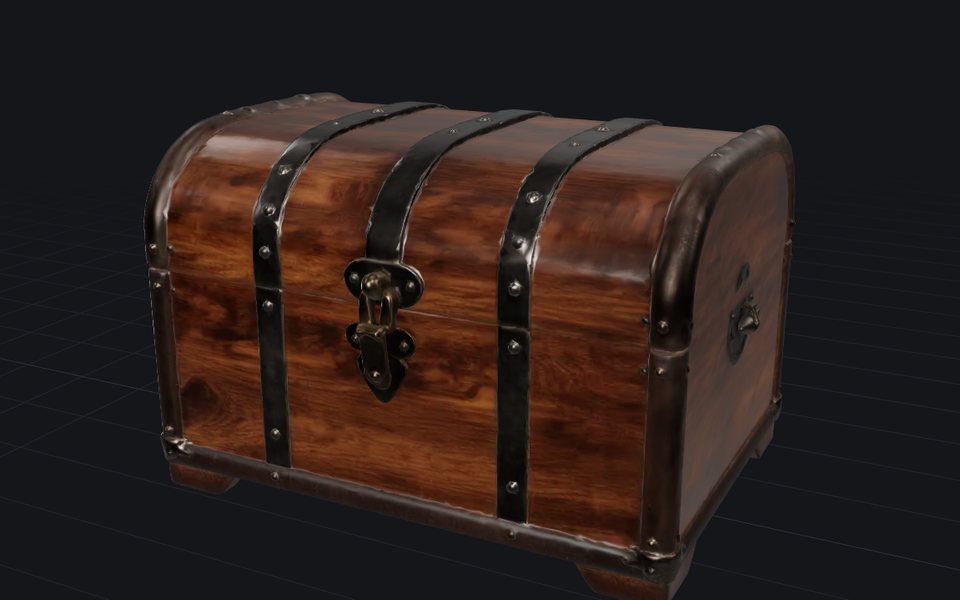 Image to 3DFree dailyTurn a photo of one object into a textured 3D model in about a minute. Download it as GLB, OBJ or STL.On our server · JPG · PNG · WebP · HEIC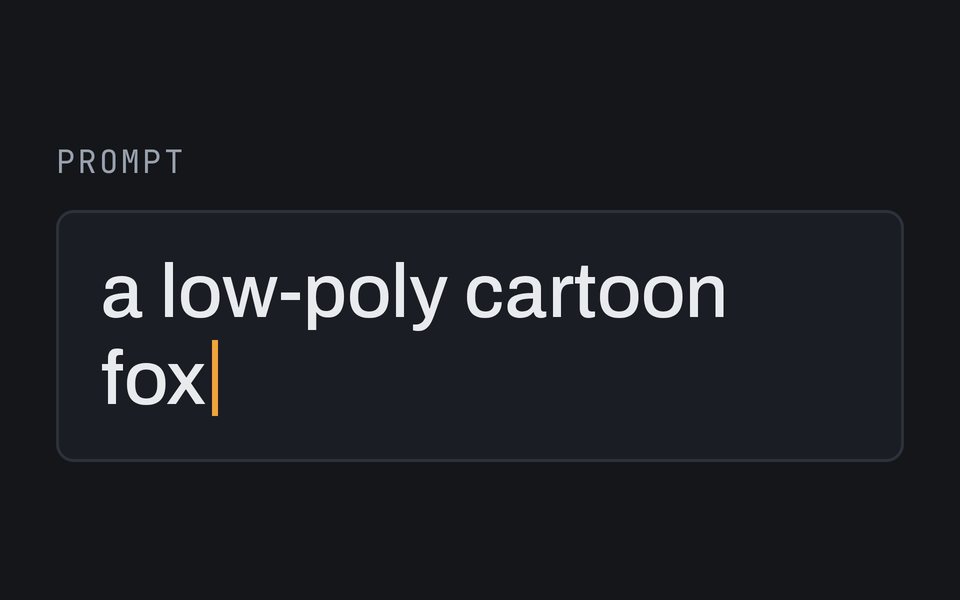
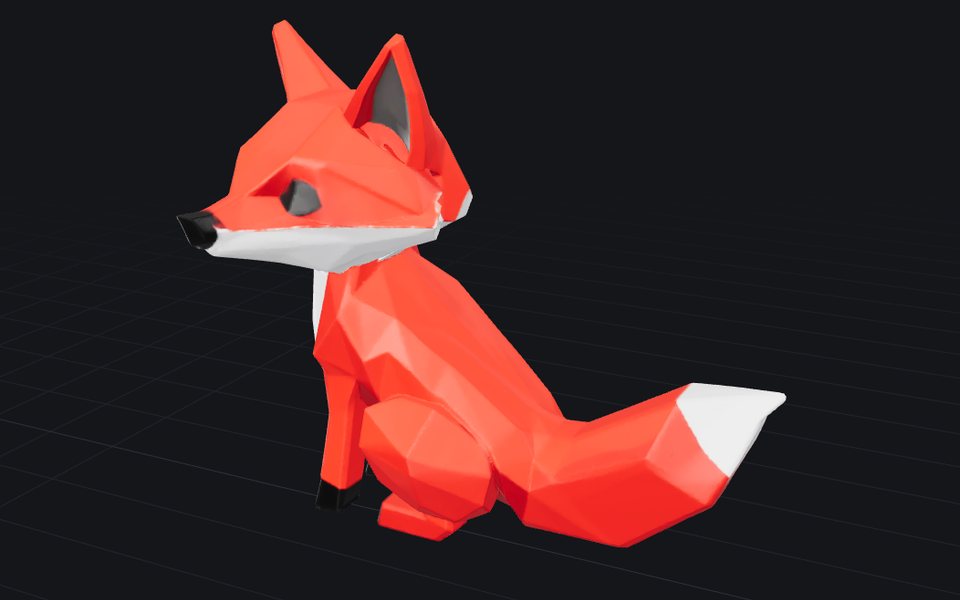 Text to 3DFree dailyDescribe one object in a sentence and get a textured 3D model you can download.On our server · a description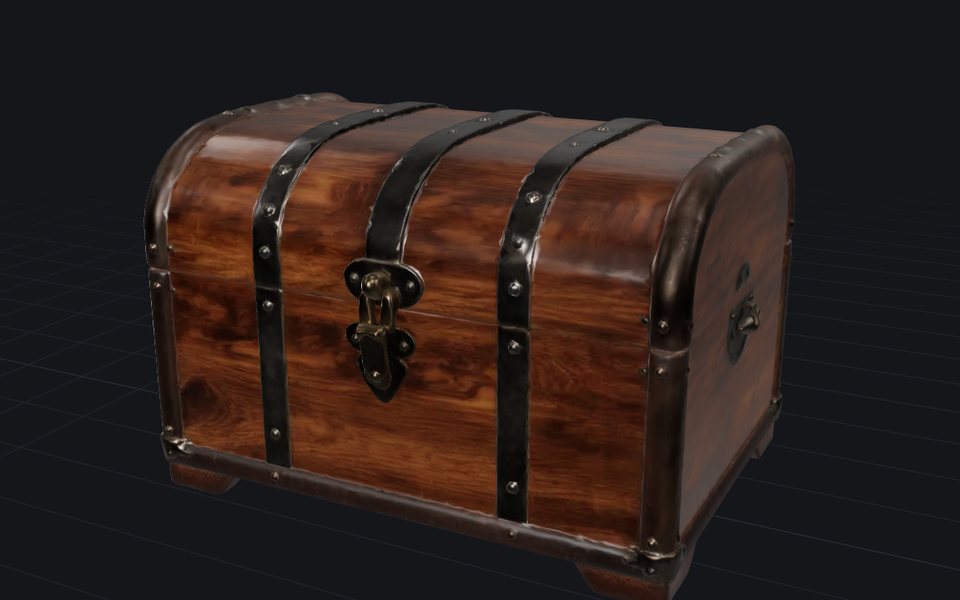
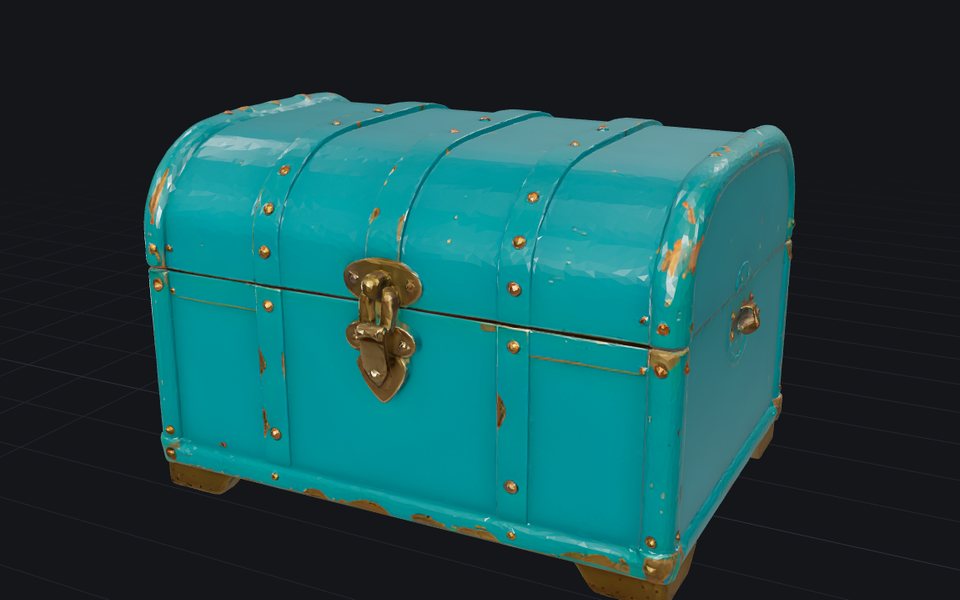 RetextureFree dailyGive a model you already have new colours and materials, from a picture or a description. The shape stays.On our server · a 3D model + an image or text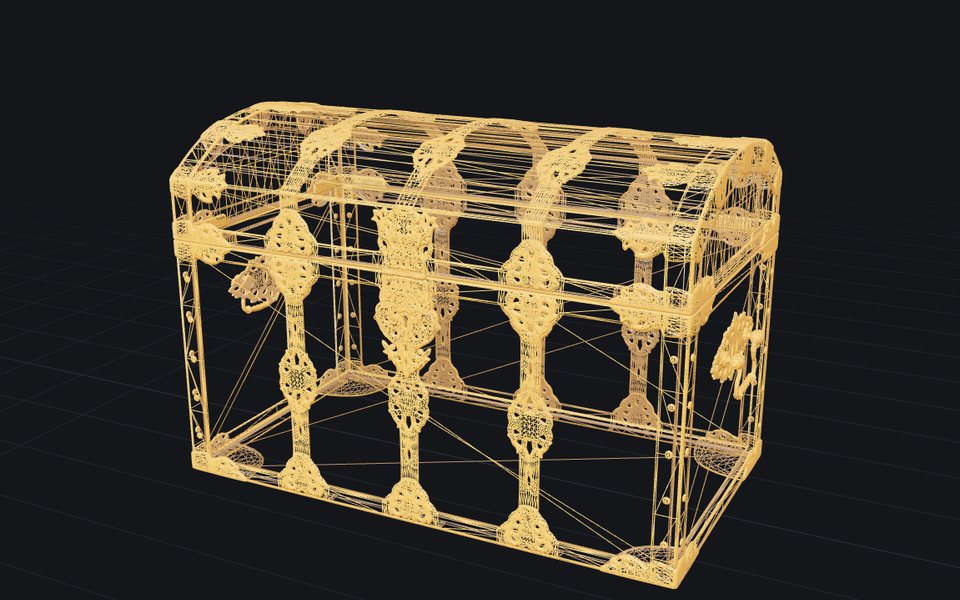
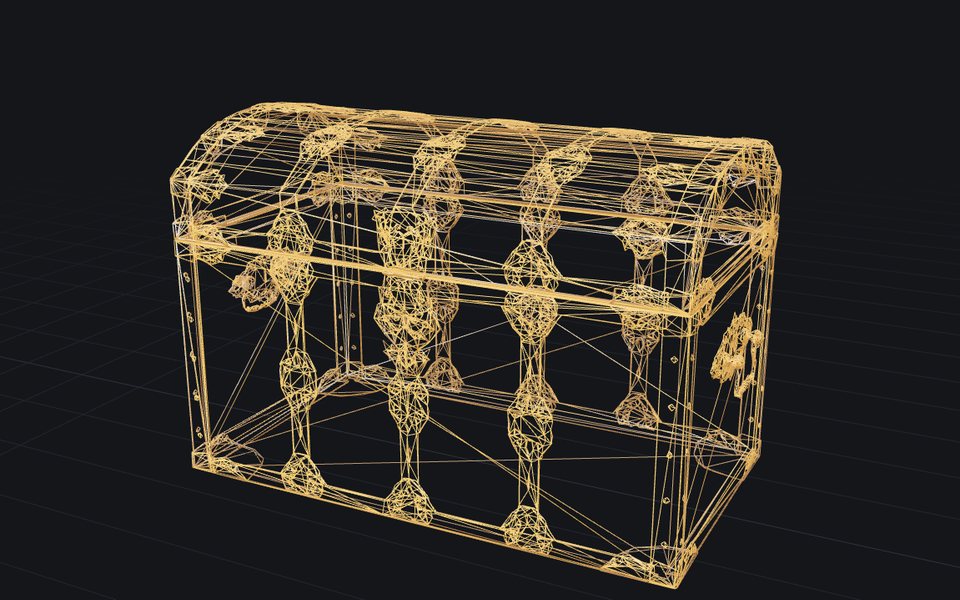 ReduceFree, unlimitedFewer triangles, same look: make a heavy model lighter, textures kept.In your browser · STL · OBJ · PLY · GLB · glTF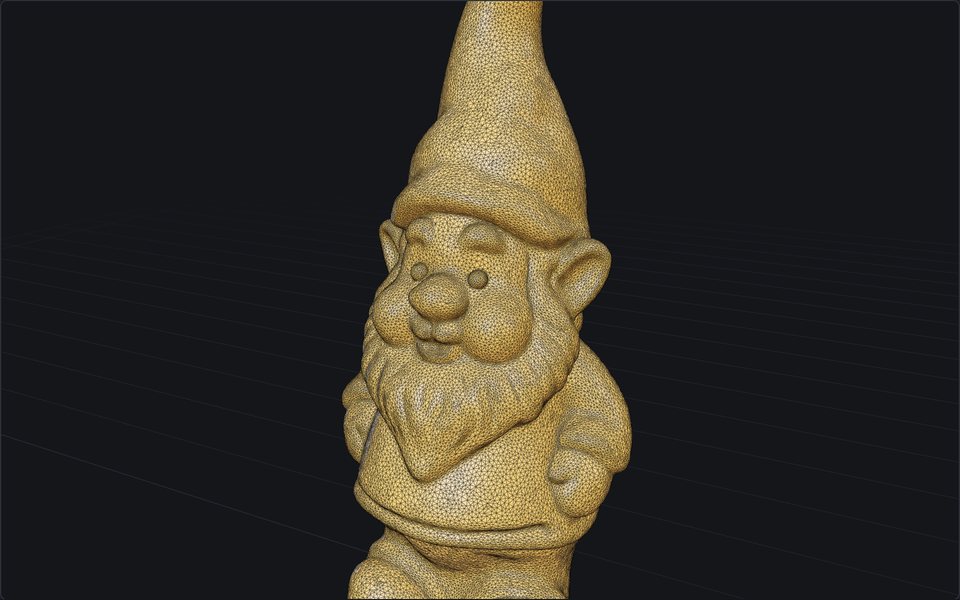
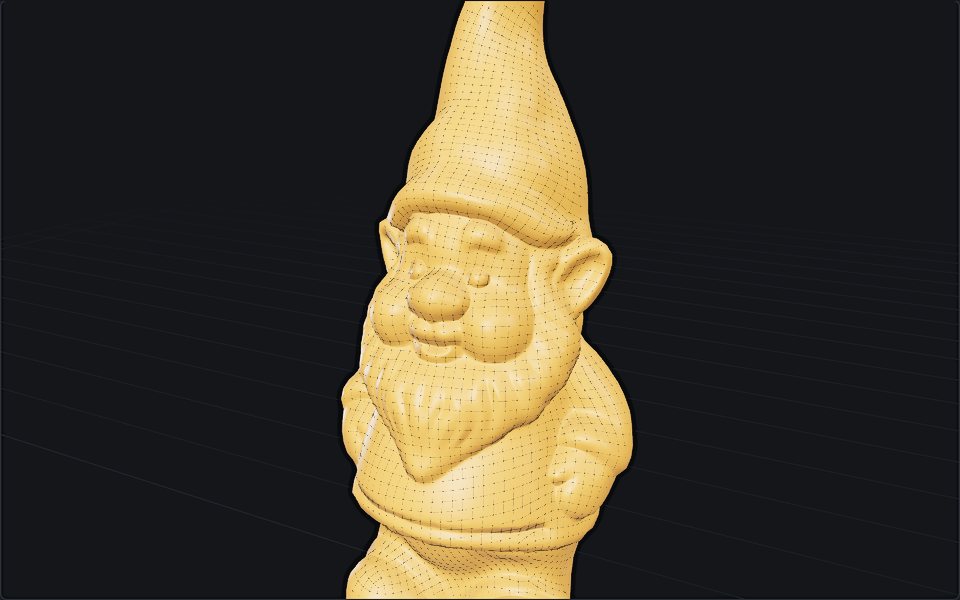 RemeshFree, unlimitedA clean new mesh for editing or animation: even polygons at the count you choose, textures carried over.In your browser · STL · OBJ · PLY · GLB · glTF
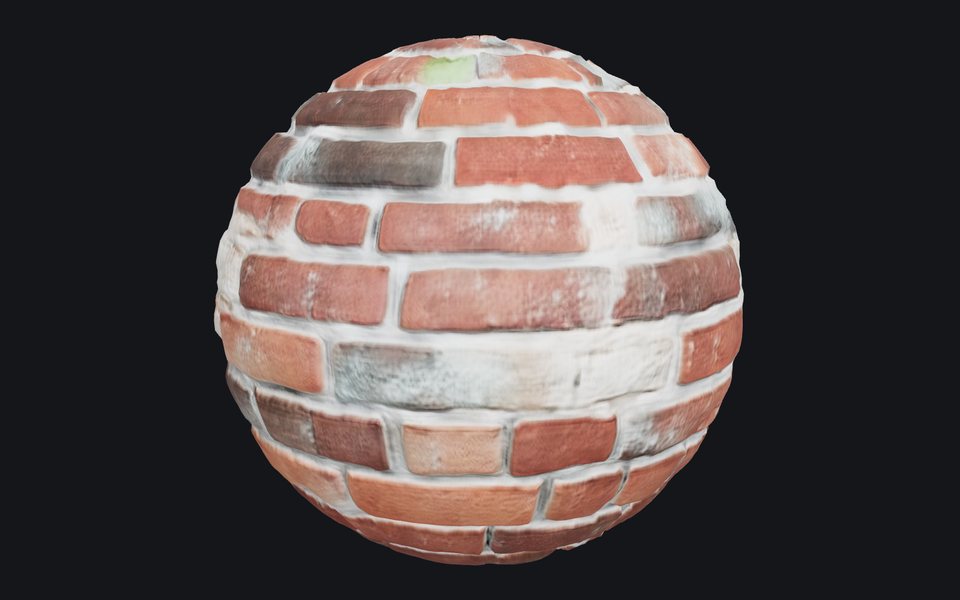 Texture generatorFree dailyDescribe a surface, like mossy bricks or oak planks, or add a photo of one, and get a texture that tiles without seams, with the maps games and renderers use.On our server · a description · a photo
Free 3D models, textures and HDRIs
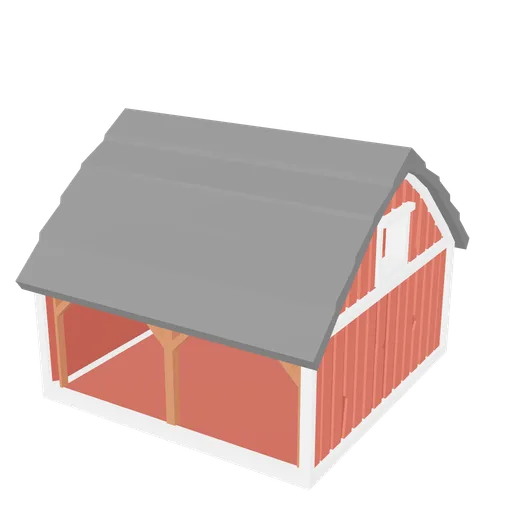
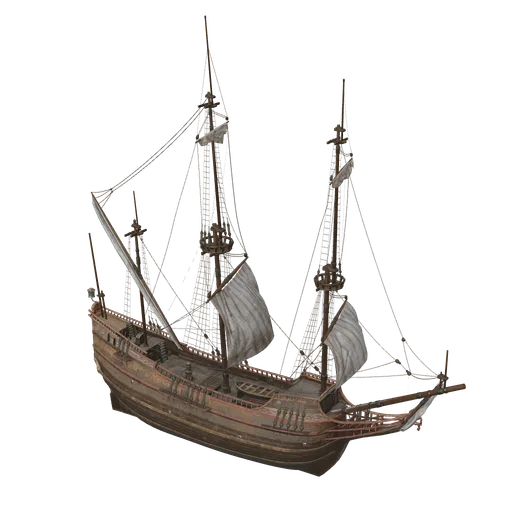
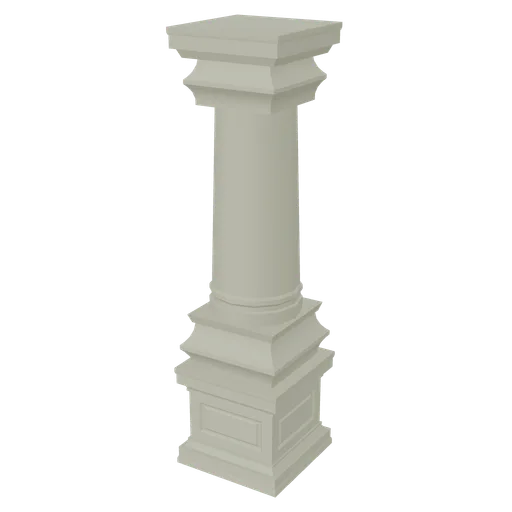
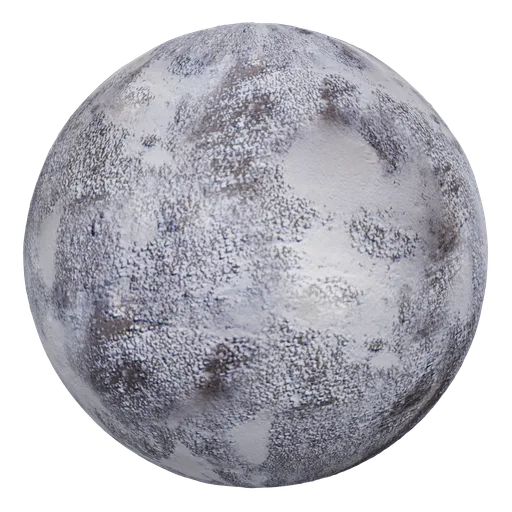
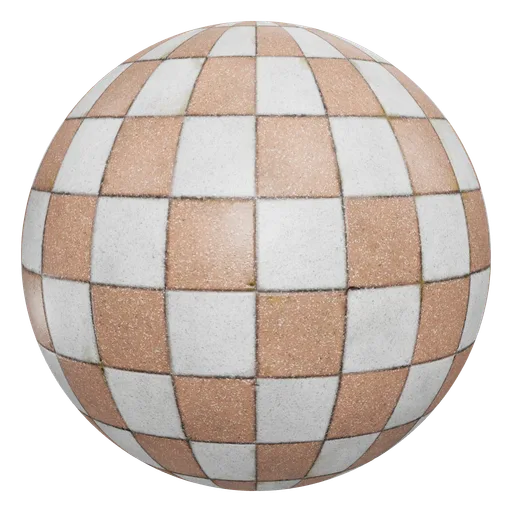
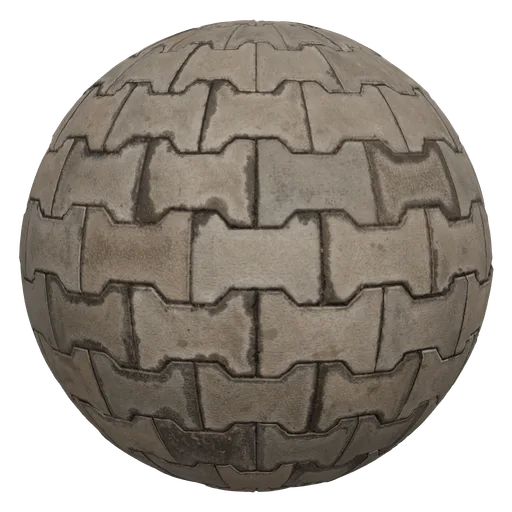
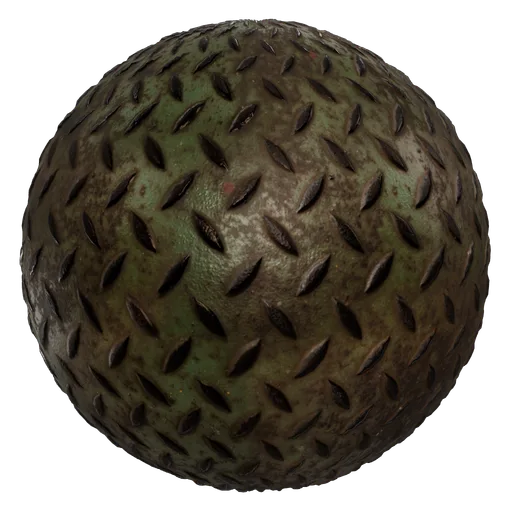
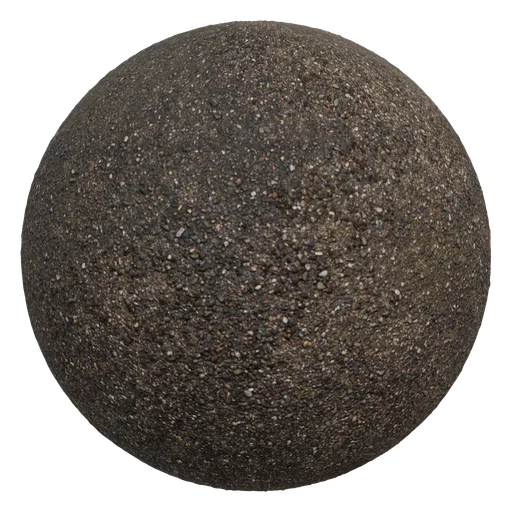
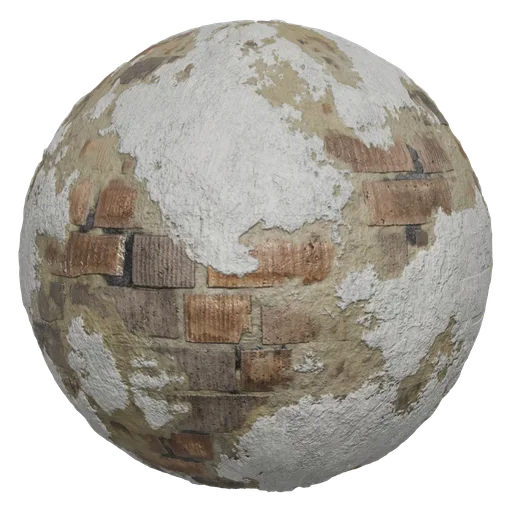
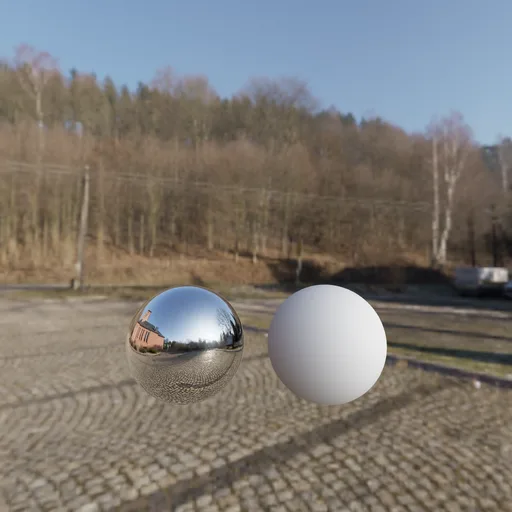
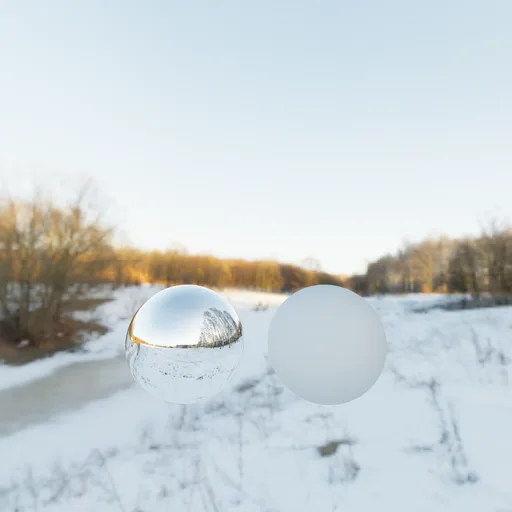
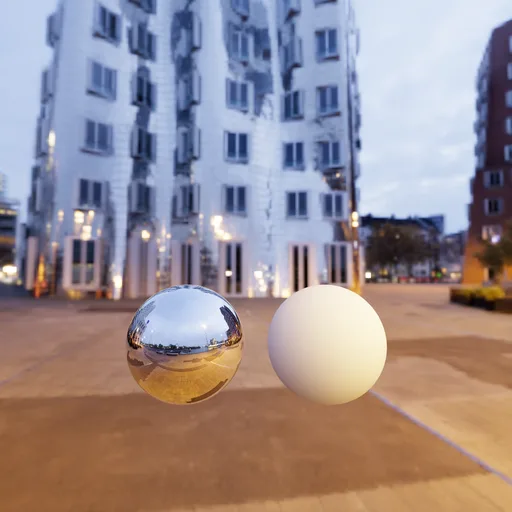
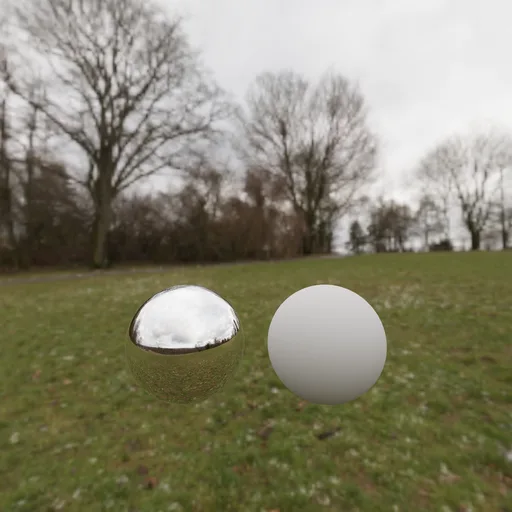
Over 10,000 CC0 models, seamless textures and HDRIs from Kenney, KayKit, Quaternius, Poly Haven, ambientCG, the Smithsonian and more, hosted here and searched by meaning. Use them anywhere, no attribution.



For AI agents
MCP serverAPI docsGeneration and the library work from an agent: it can turn a photo or a sentence into a 3D model, paint a seamless texture, retexture and remesh, and pull from over 10,000 free CC0 assets. Over MCP or a REST API, on the same credits as the site.
claude mcp add --transport http 3dvalley https://3dvalley.com/mcpThen ask: “Make a 3D model of this photo and remesh it to 5,000 quads.”REST APIGeneration, retexturing and remeshing as jobs you can wait on or get a webhook for, the library searched by meaning and size in metres. OpenAPI description included.curl -X POST https://3dvalley.com/api/v1/jobs \
-H "Authorization: Bearer $KEY" -H "Idempotency-Key: 1" \
-d '{"tool":"image-to-3d","input":{"image":"https://…/chair.jpg"}}'Short pieces on how the tools work and what to do with the files.
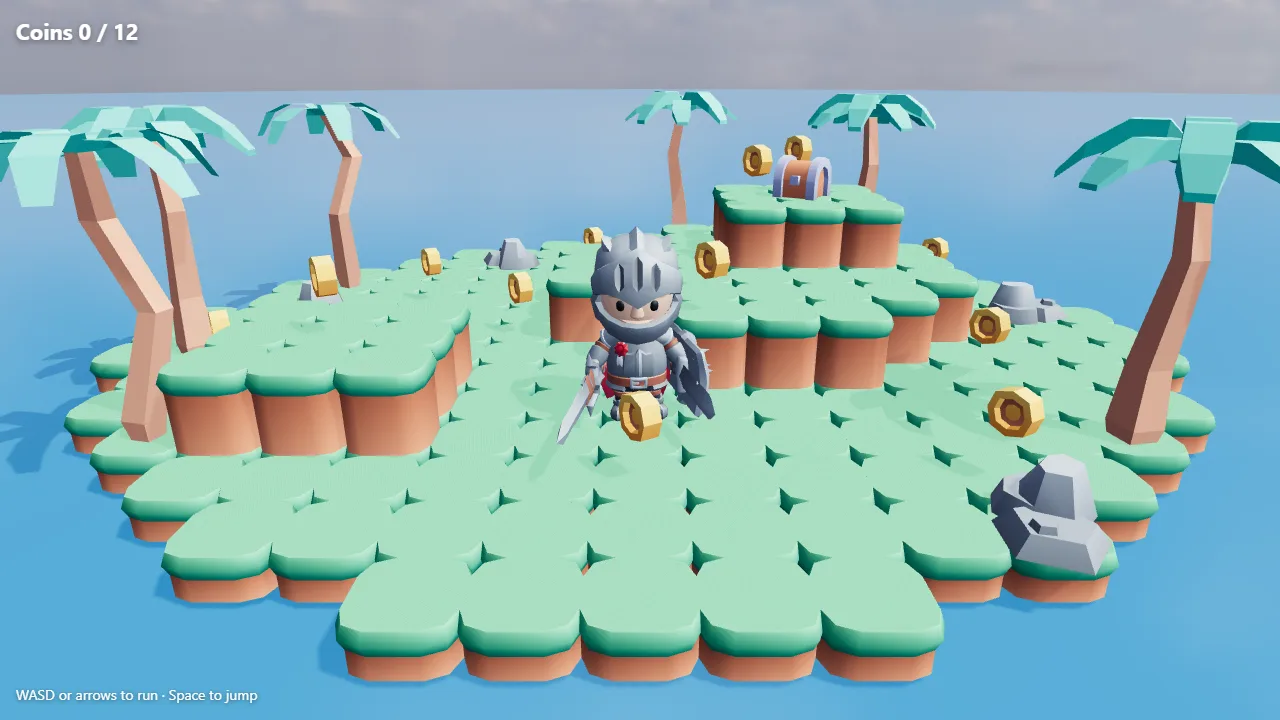
Tutorial · 5 November 2026 · 7 min
Make a 3D game with AI: an agent builds a playable island from free assets
Give an AI coding agent a library of free CC0 3D models and it can build a game you can play. How Claude found a level kit, a knight and a sky through the 3D Valley MCP server, and the code it wrote.
Tutorial · 24 September 2026 · 3 min
Image to 3D print: how to 3D print a picture
Turn a picture of an object into a sealed STL at the size you want, and know the filament cost and the printer it fits before you slice.
Blog · 29 September 2026 · 4 min
What is retopology, and when automatic is enough
Retopology rebuilds a messy mesh as clean, even quads. Why models need it, manual versus automatic, the tools in Blender and beyond, and where they fail.
Questions
- What does it cost?
- Nothing, and no sign-up is required. The AI tools run online with a generous daily allowance per visitor, most file tools run in your browser, and the library's CC0 models and textures download free, straight from here. When the daily allowance is used up, or for the premium engines, credits from 5 cents a model lift the limit, with no subscription.
- Do my files get uploaded?
- Most file tools, no: repair, conversion, the viewer, the print cost calculator and the normal maps run in your browser, and the file never leaves your device. Remeshing runs in your browser too, except on a phone or with a very large model, which goes to our server for the run. The AI tools send the photo, the model or the description to a GPU for the run and keep nothing from a free run; a run paid with credits keeps only its result, in your account's History, where you can delete it.
- Who owns what I generate or download?
- You own what you generate, and we claim no rights to it. The free engines are open-weights models whose licences put no claim on their output; the premium engines run under their makers' terms, which make no claim on it either. Everything in the library is CC0, from Kenney, KayKit, Poly Haven, ambientCG and other free libraries, which means use it anywhere, no attribution.
- What happened to the old 3dvalley.com?
- It published free models, textures and 3ds Max tutorials from 2003, then went quiet. The domain changed hands in 2026 and is being rebuilt for how 3D work happens now. The old content belongs to the artists who made it and is not being reposted.
3D since 2003.