Free AI text to 3D, No sign-up required
Describe one object in a sentence and get a textured 3D model in about a minute, as GLB, OBJ or STL.
- Free daily
- No account required
- On our server
How it works
Paint the photo
one object, plain background, three-quarter view
Cut it out
background removed
Predict and mesh
shape and material together, with UVs
Bake the textures
colour, roughness and metallic
The painted photo is the whole input to the mesh stage, which is why it is shown with every result. Already have a photo? Image to 3D skips the first stage.
Text to 3D models compared
Each description was painted as one picture, and every 3D model was given that picture, one run each, not the best of several.
Dragon
“a green dragon in gold armour standing on a stone base”
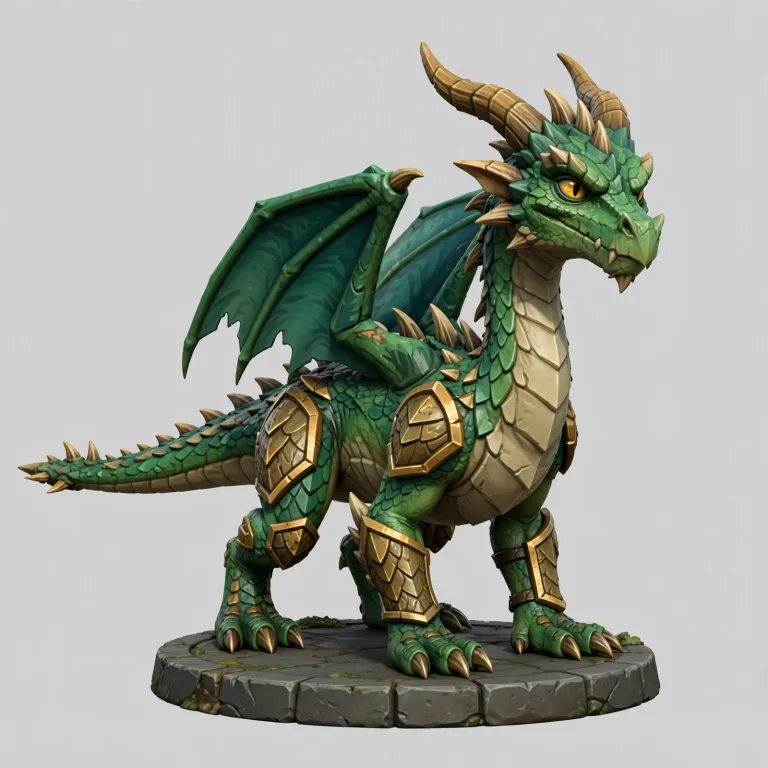
The picture 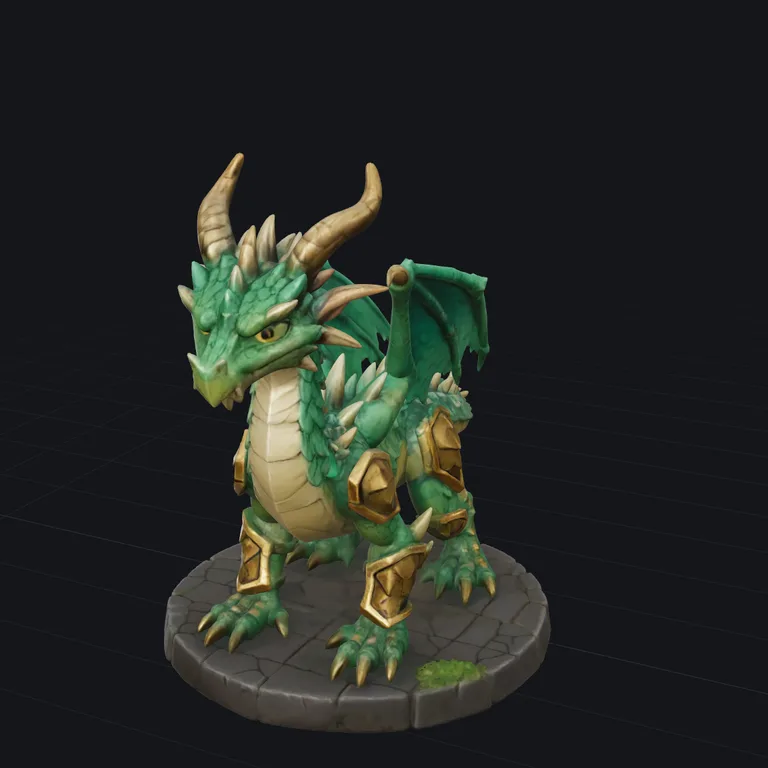
TRELLIS.2 Standardfree · about a minute 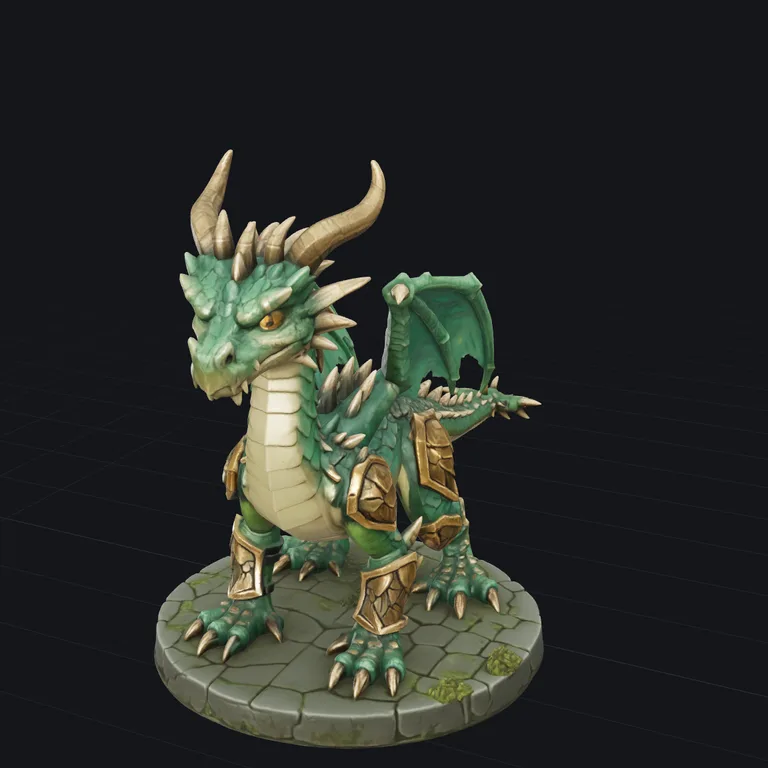
TRELLIS.2 Pro15 credits · about 2 minutes 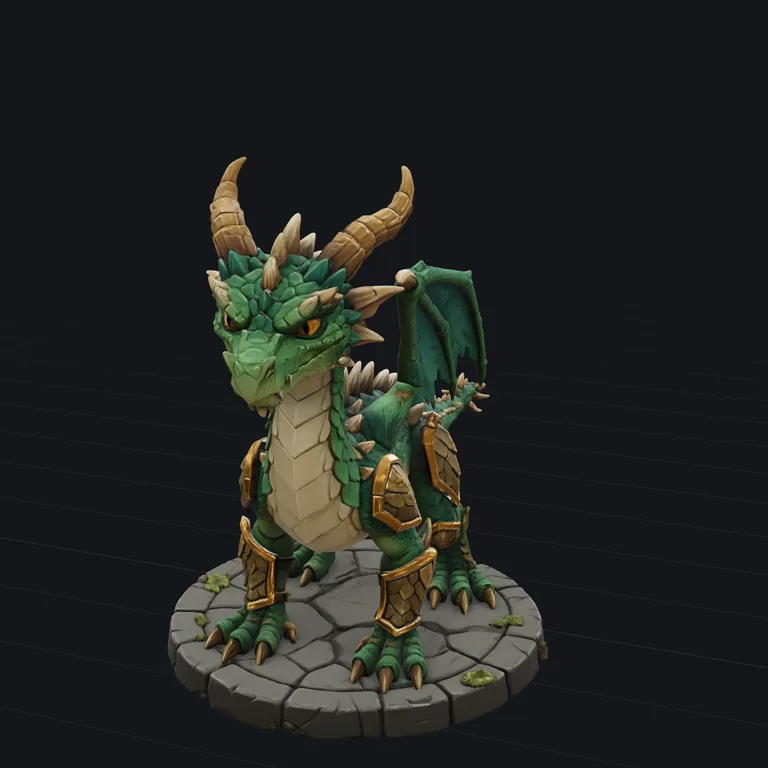
Tripo 3.1 Standard50 credits · about 2 minutes 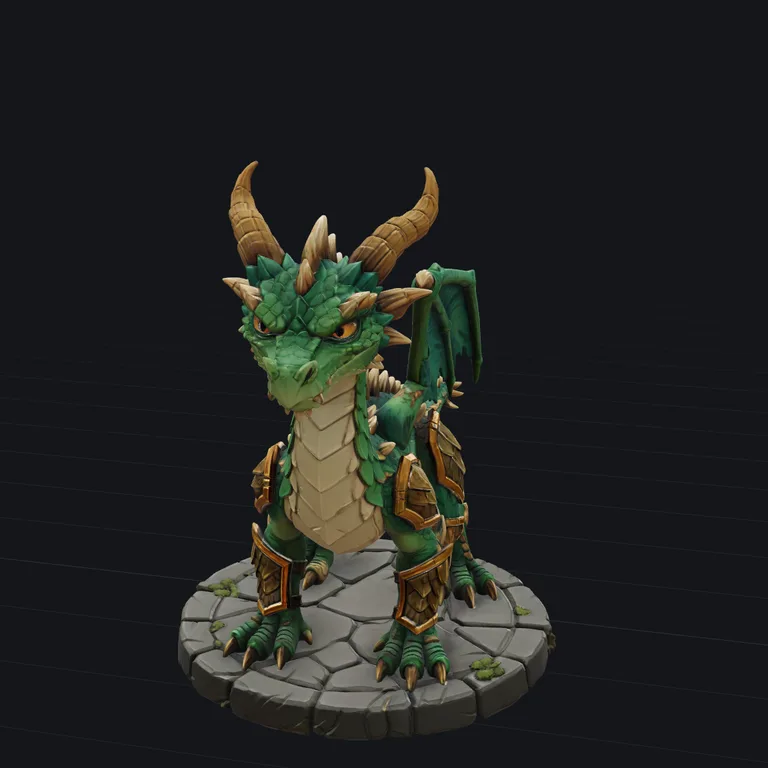
Tripo 3.1 Detailed100 credits · about 4 minutes 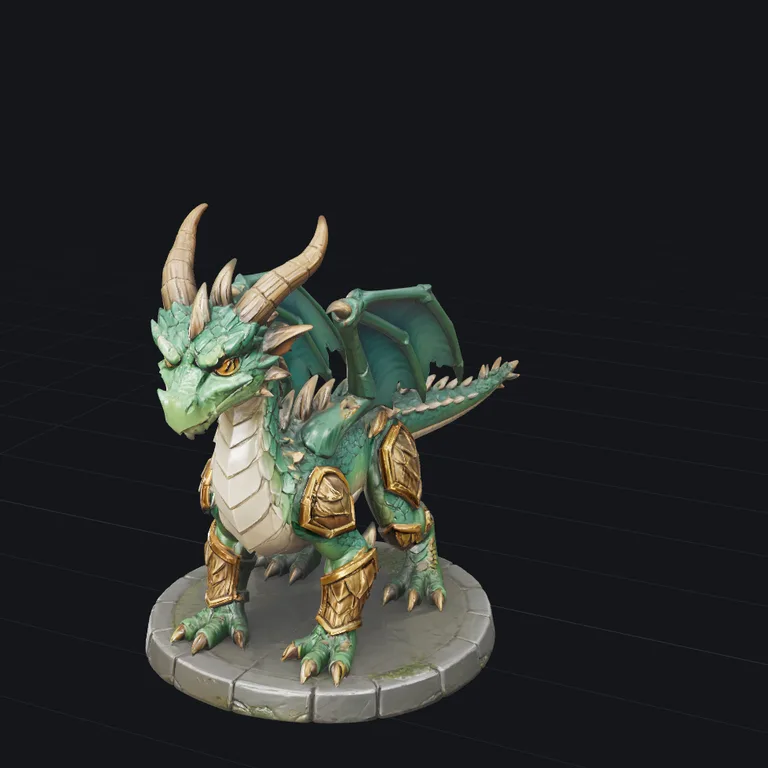
Hunyuan3D 3.1 Pro90 credits · about 4 minutes
Spaceship
“a red and cream toy spaceship with a blue cockpit, two engines and landing gear”
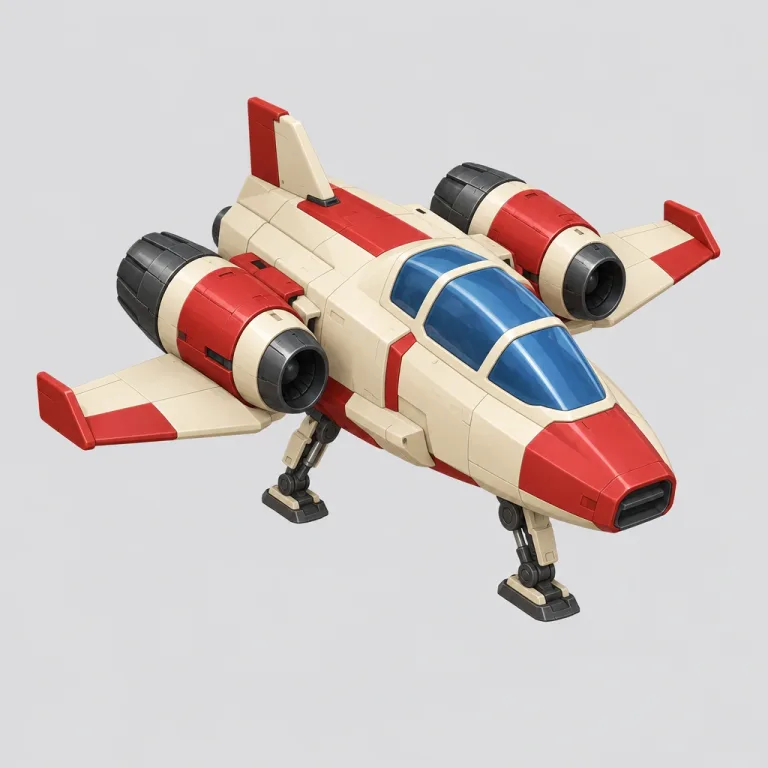
The picture 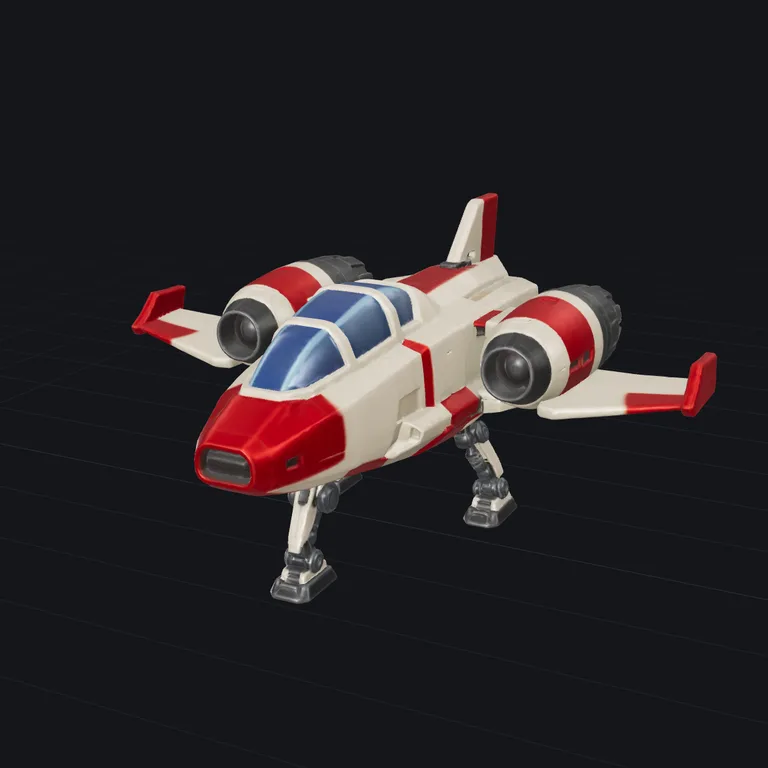
TRELLIS.2 Standardfree · about a minute 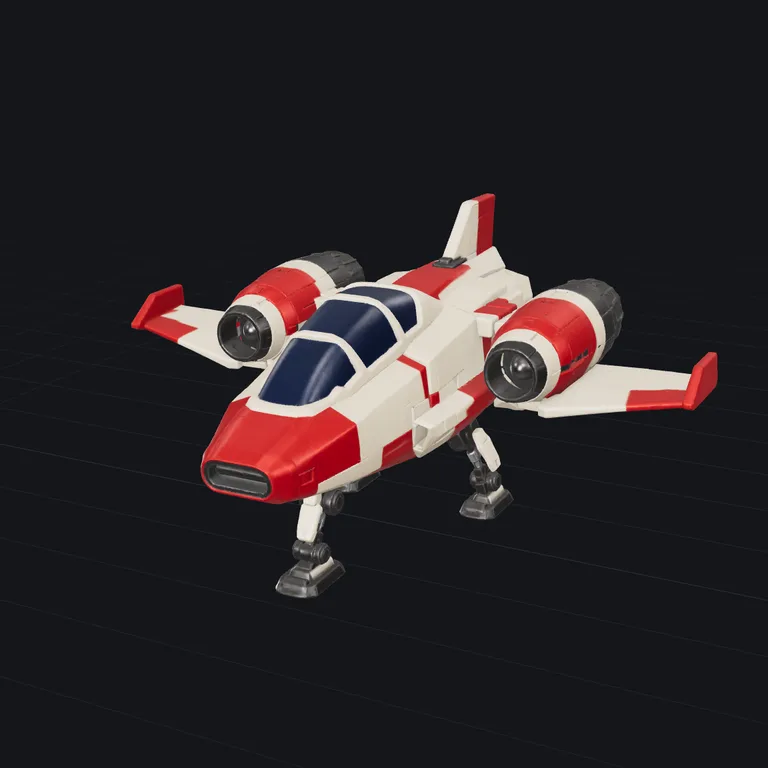
TRELLIS.2 Pro15 credits · about 2 minutes 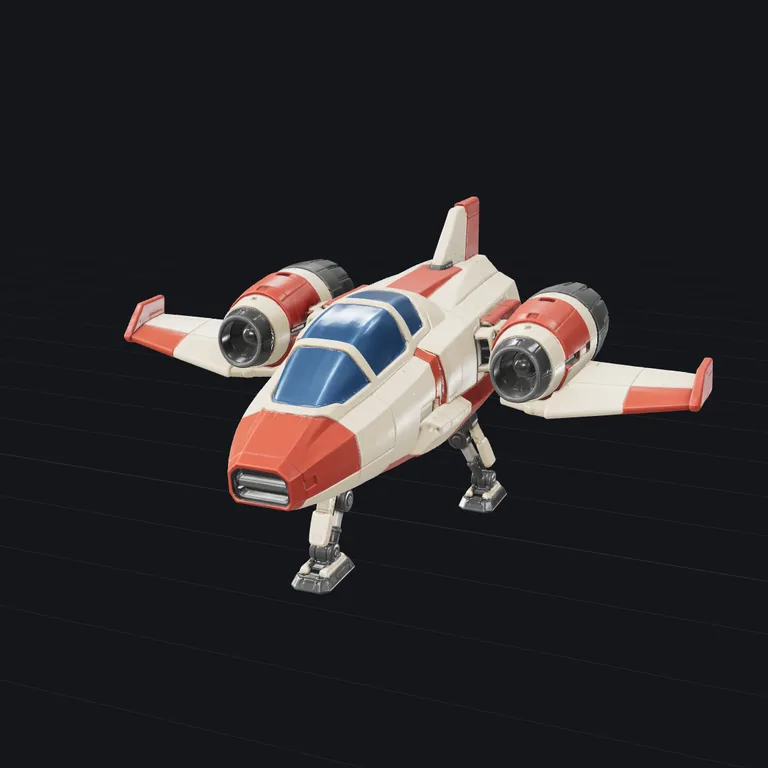
Tripo 3.1 Standard50 credits · about 2 minutes 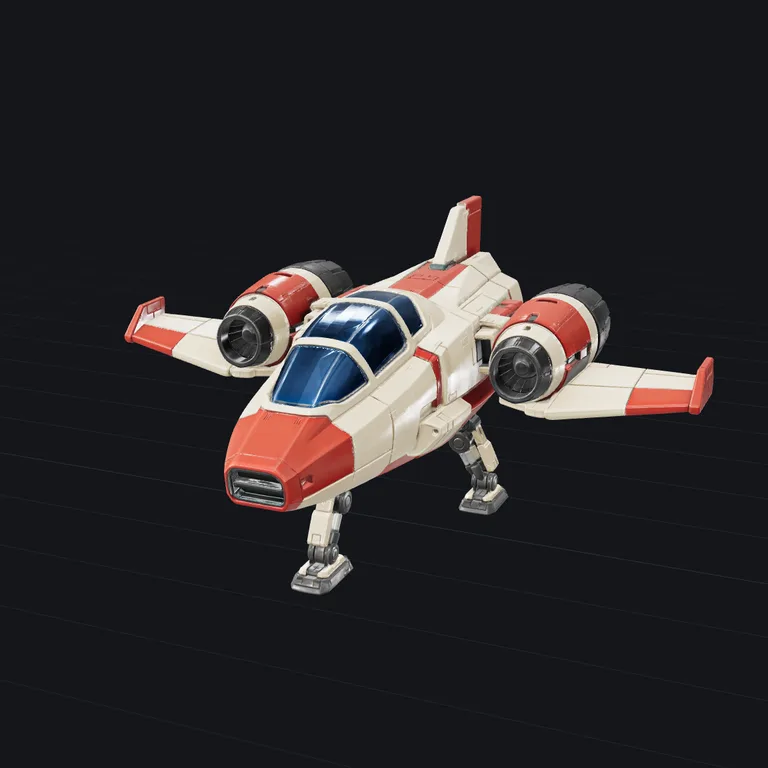
Tripo 3.1 Detailed100 credits · about 4 minutes 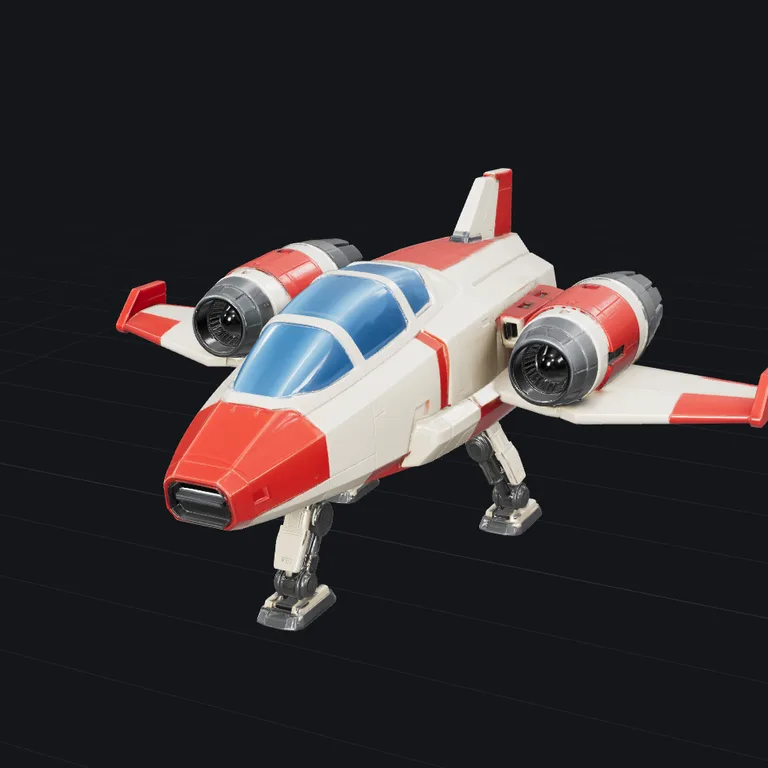
Hunyuan3D 3.1 Pro90 credits · about 4 minutes
Image models for the picture compared
Every image model was given the same two descriptions, one run each. The picture is what the 3D model is then built from.
Robot owl
“a steampunk robot owl with brass gears, copper wings and glass lens eyes”
The description 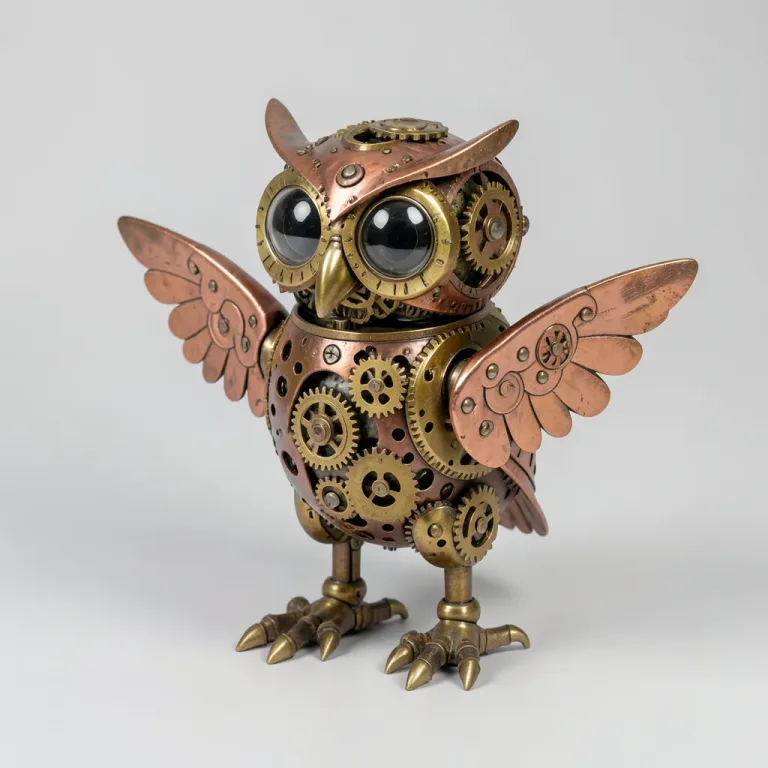
FLUX.2 kleinfree · about 10 seconds 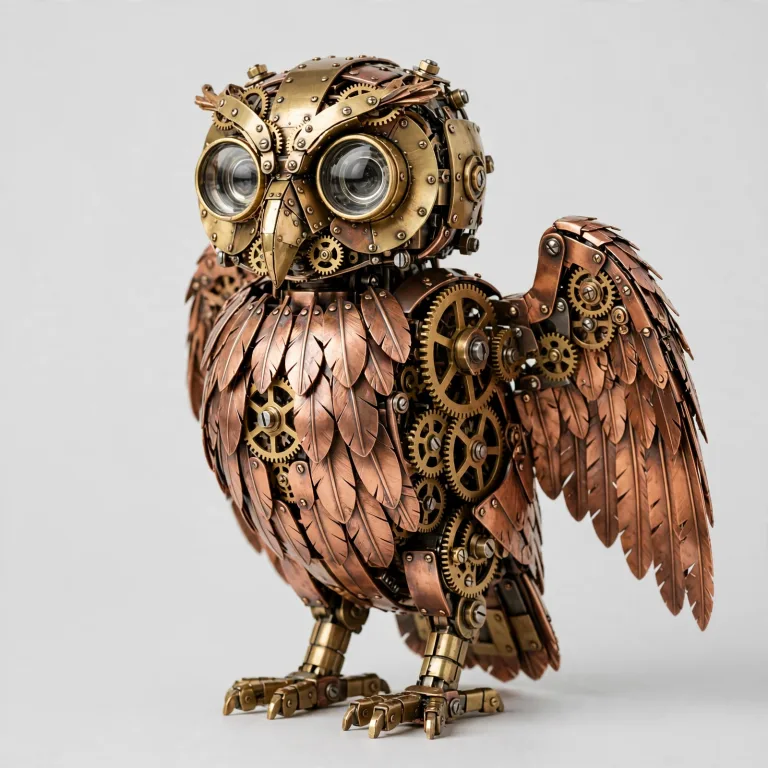
Muse Image3 credits · about 30 seconds 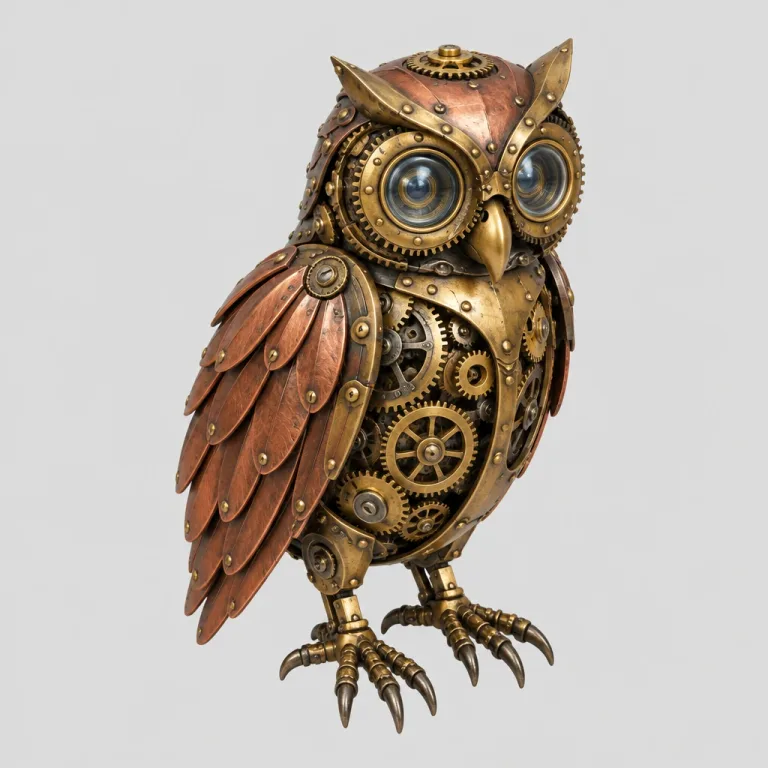
GPT Image 2.55 credits · about 15 seconds
Mushroom house
“a cartoon mushroom house with a red spotted roof, a round wooden door, tiny glowing windows and a crooked chimney”
The description 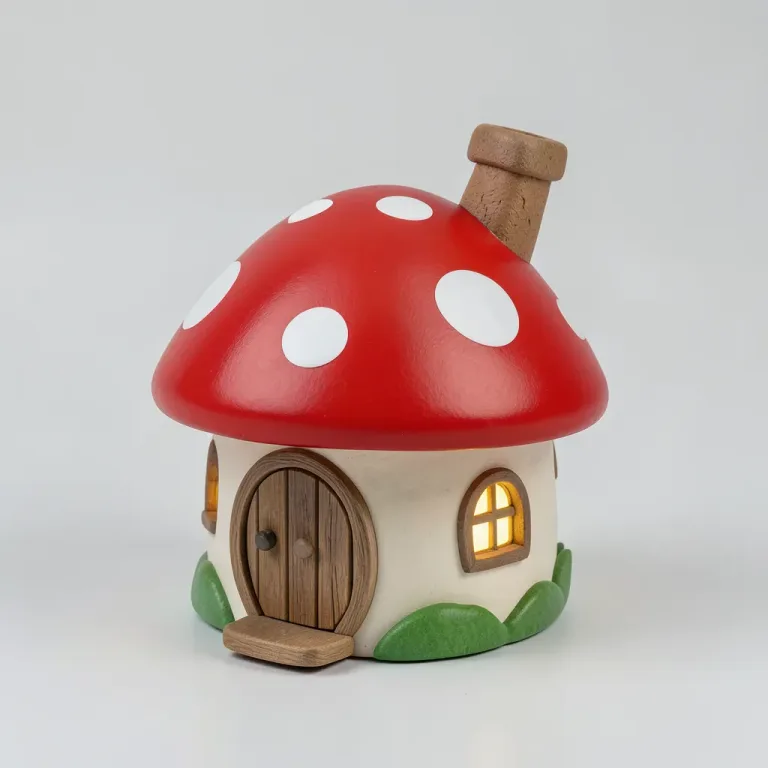
FLUX.2 kleinfree · about 10 seconds 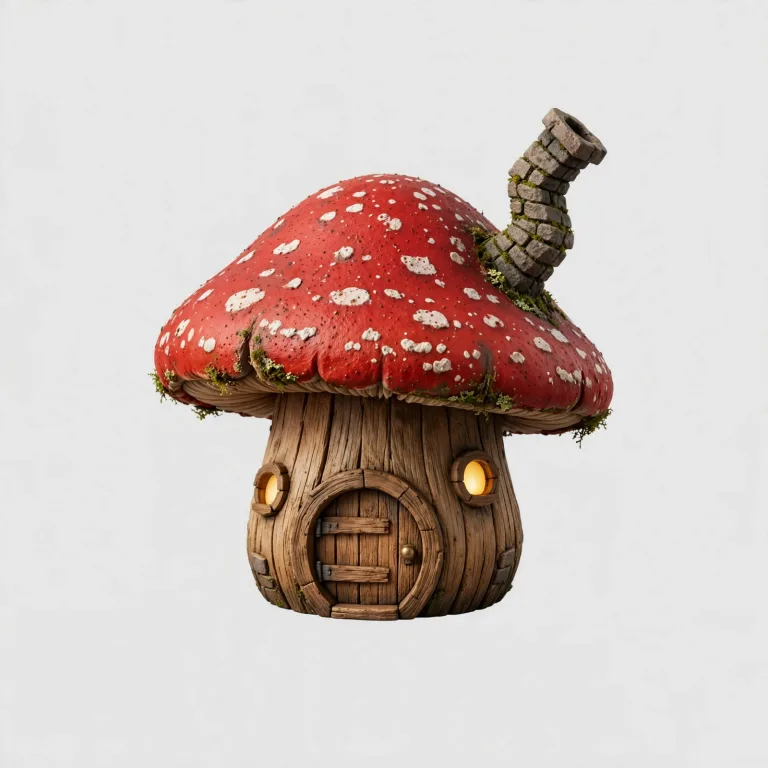
Muse Image3 credits · about 30 seconds 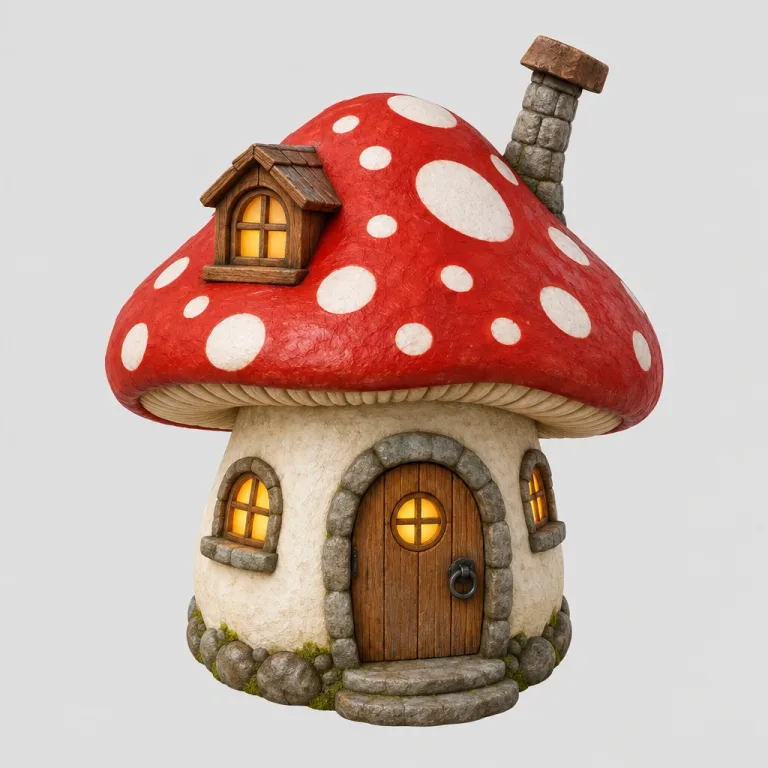
GPT Image 2.55 credits · about 15 seconds
Questions
- How does text to 3D work?
- In two stages. The description is painted as a clean studio photo of one object on a plain background, then that photo goes through the same image-to-3D engine as an upload. You get both, so if the picture is right but the mesh is not, you can build the mesh again from the same picture.
- Can I see the picture before the model is built?
- Yes. Tick "Check the picture first" under the description. The run stops once the picture is painted: build the model from it, or change the description and paint again until it looks right. The model follows the picture, so that is where you get the look right.
- What makes a good description?
- One object, named plainly, with a material and a colour: 'a worn leather armchair', 'a ceramic teapot with blue flowers'. Style words help less than you would think; the image stage already knows to make a product photo. Scenes, people and text on the object do not work. One thing at a time.
- Why did I get a different model the second time?
- Each run paints a new photo from a new seed, so each run is a new object. That is on purpose: generate again until you like it, or tick "Check the picture first" to settle the picture before any model is built.
- Can I get an STL to print?
- Yes. Every result downloads as STL too, and Repair seals it into one solid that slices. Describe one chunky object with a clear silhouette, ideally on a base: 'a sitting cat figurine', 'a chess rook'.
- Is it free, and who owns it?
- Free, no sign-up required, and yours. Both models, FLUX.2 klein for the picture and TRELLIS.2 for the mesh, are open weights with licences that put no claim on their output.
- Do I need an account or to sign up?
- No. No sign-up, login or email is required: open the page and use it. The AI runs on a free daily allowance per visitor, and when it is used up the page says when it comes back; the tools that run in your browser keep working in the meantime.
Next
- RepairClose holes and fix broken faces so the model slices and prints. A short report shows what changed.STL · OBJ · PLY · GLB · glTF
- Print costWork out what a print costs and what to charge: filament, electricity, printer wear and your time, from slicer figures, a model or G-code.STL · OBJ · PLY · GLB · glTF
- ReduceFewer triangles, same look: make a heavy model lighter, textures kept.STL · OBJ · PLY · GLB · glTF
- RetextureGive a model you already have new colours and materials, from a picture or a description. The shape stays.a 3D model + an image or text