Fix a 3D model
A model you have, made right. Repair it so it prints or paint it new textures. Fewer triangles, same look: Reduce. A clean new mesh for editing or animation: Remesh. A smaller file, same model: Compress. The model stays open as you move between the five.
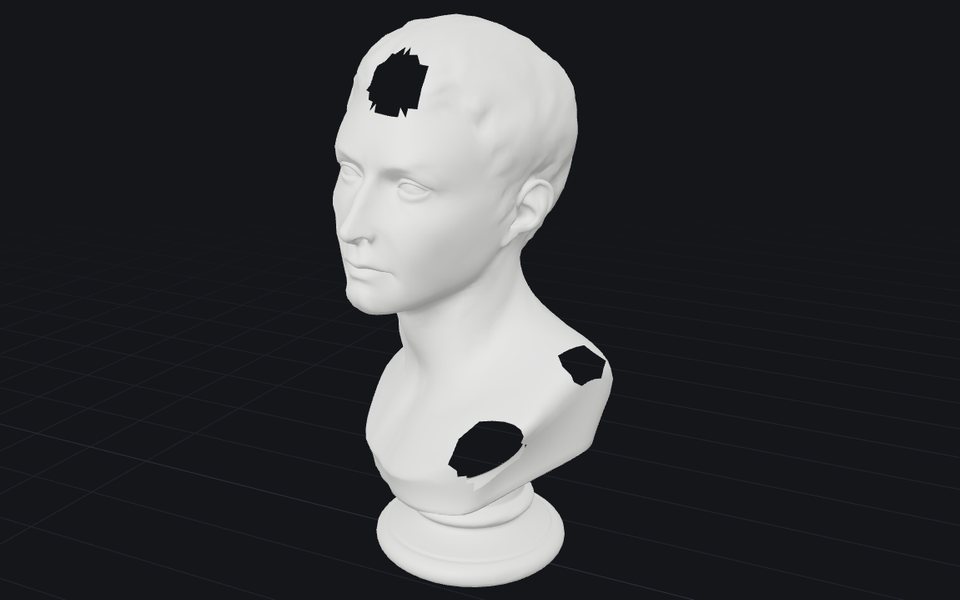
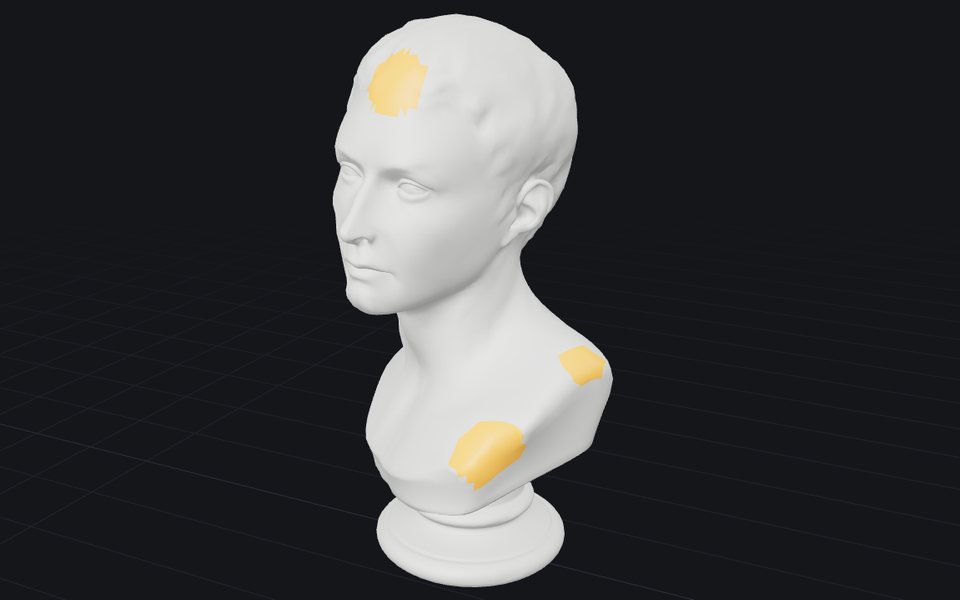 RepairFree, unlimitedClose holes and fix broken faces so the model slices and prints. A short report shows what changed.In your browser · STL · OBJ · PLY · GLB · glTF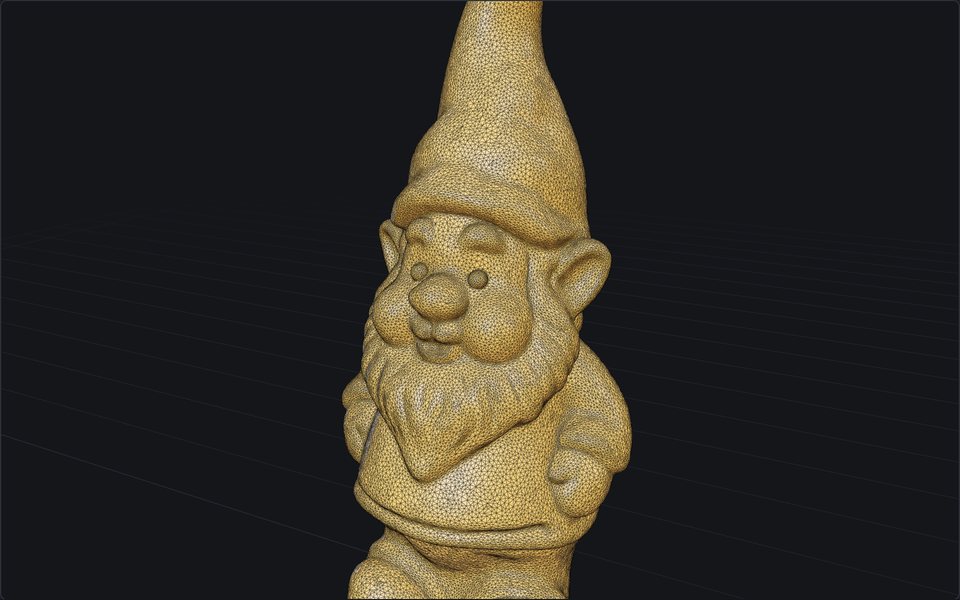
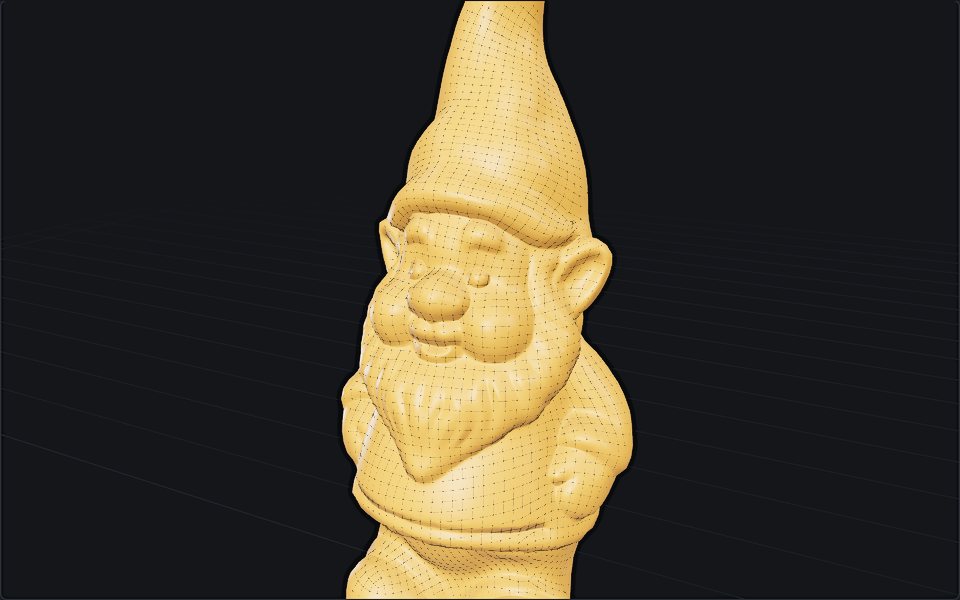 RemeshFree, unlimitedA clean new mesh for editing or animation: even polygons at the count you choose, textures carried over.In your browser · STL · OBJ · PLY · GLB · glTF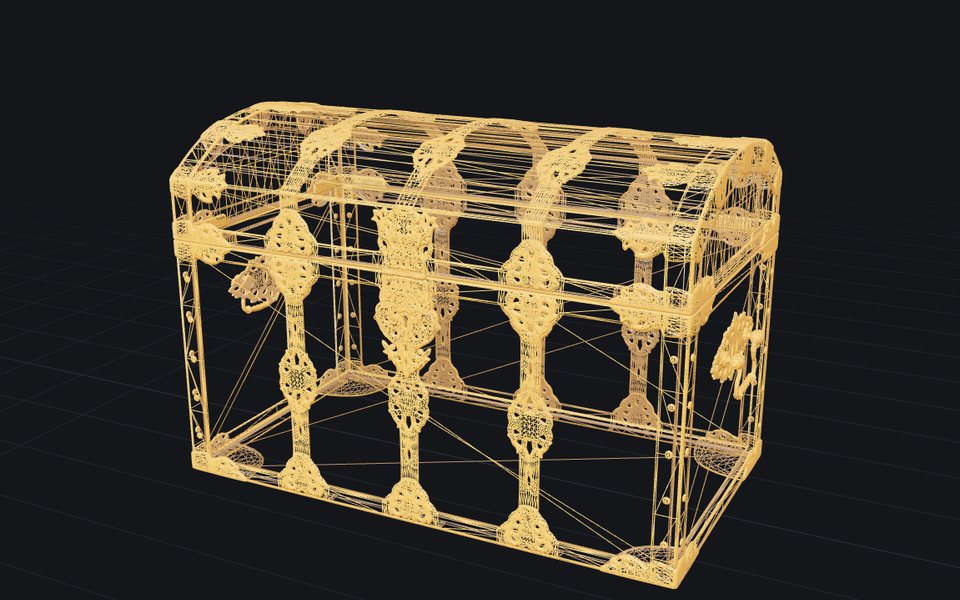
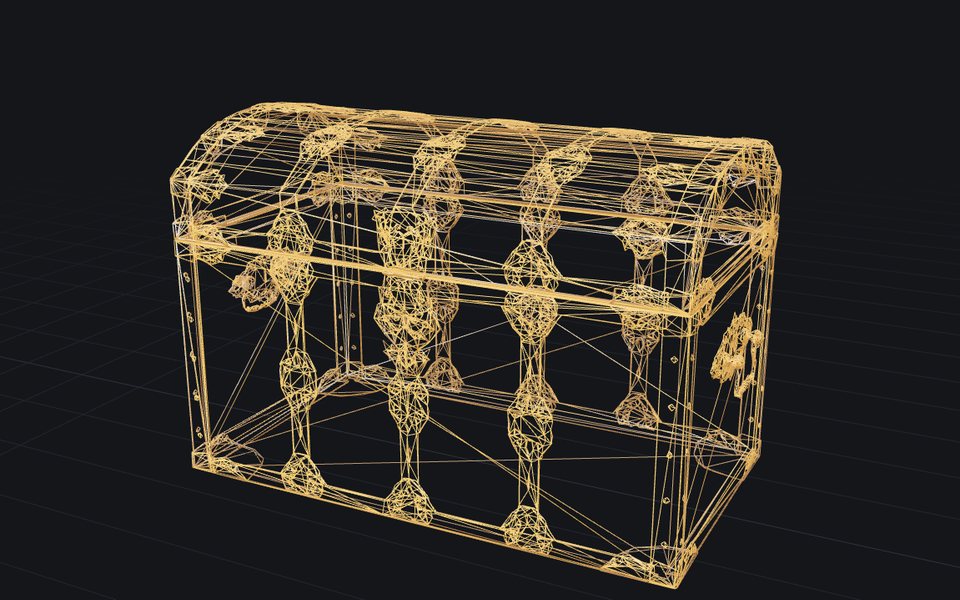 ReduceFree, unlimitedFewer triangles, same look: make a heavy model lighter, textures kept.In your browser · STL · OBJ · PLY · GLB · glTF
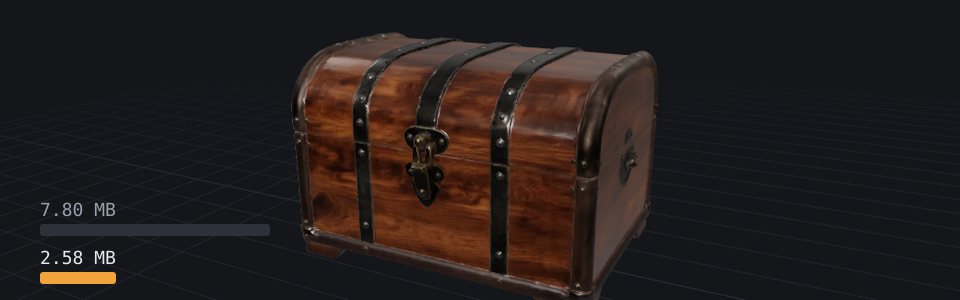 CompressFree, unlimitedA smaller file, same model: for the web, a game or an email.In your browser · STL · OBJ · PLY · GLB · glTF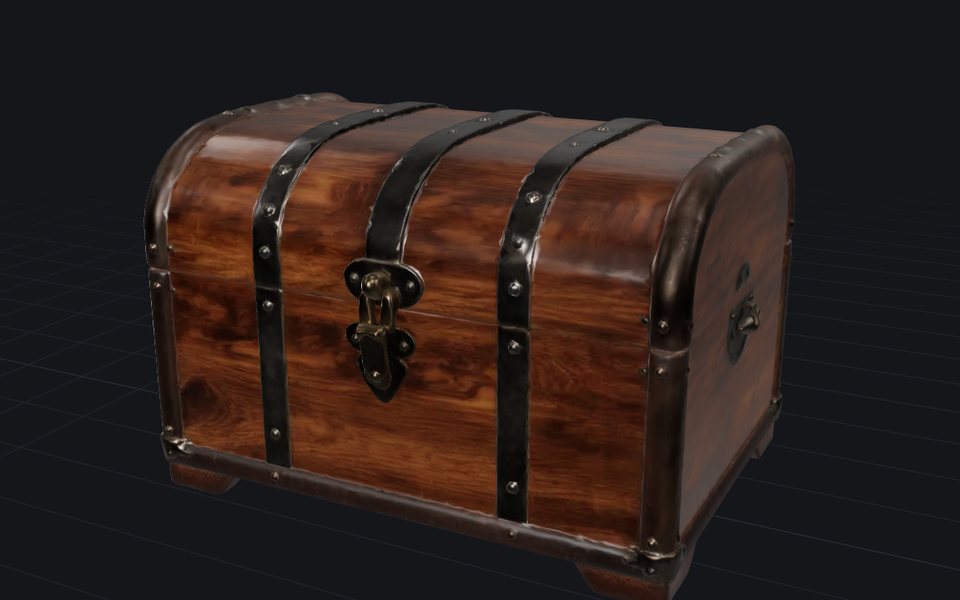
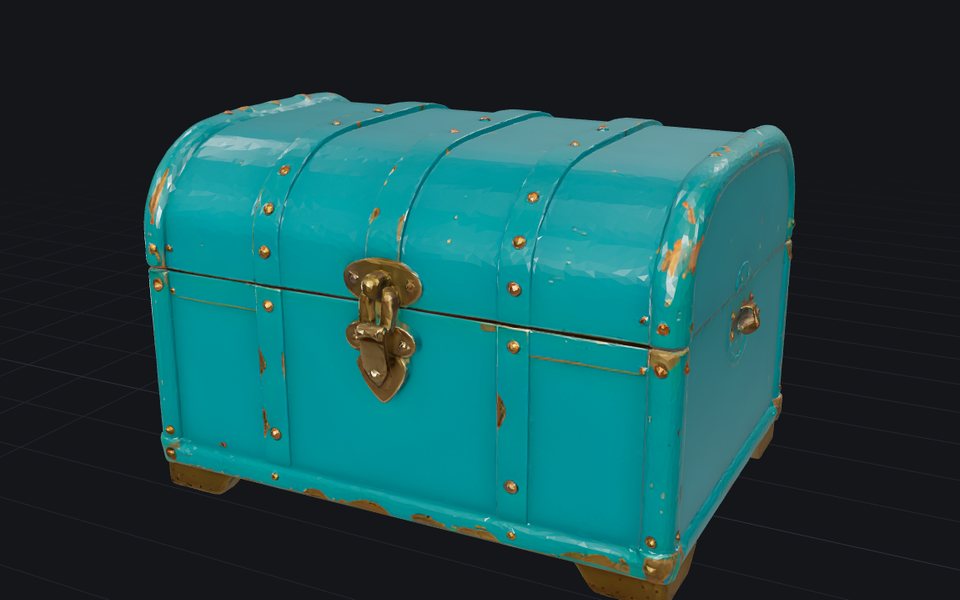 RetextureFree dailyGive a model you already have new colours and materials, from a picture or a description. The shape stays.On our server · a 3D model + an image or text
Questions
- Repair, remesh or reduce?
- Repair when a slicer or an engine rejects the file: holes, flipped faces, loose parts. Reduce when the model looks right but has too many triangles: same look, fewer of them. Remesh when you want a clean new mesh of even faces, for editing or animation. Compress when the file is too big to send or load: same model, fewer bytes. Retexture when the shape is right and the look is not.
- Is my file uploaded?
- Only Retexture sends it away, to a GPU online, which does not keep it. Repair, Remesh, Reduce and Compress run in your browser.