Why a converted GLB prints 1000 times too small
The most common failure between a generated model and a printer is not the mesh. It is the number 1000, and it lives in the file format.
21 September 2026 · updated 29 September 2026 · 3 min read
You generate a model, convert the GLB to STL, open it in the slicer, and there it is: a speck. Or you scale it up and the printer wants to make something the size of a car. Nothing is broken. Two file formats are disagreeing about what a "1" means.
glTF says metres, STL says nothing
glTF, the format behind every .glb, defines its unit as the metre. A chair is about 0.9 units tall, and a generated model comes out somewhere around one unit across because that is the space the model was trained in.
STL defines no unit at all. It is a list of triangles with coordinates and that is the whole file. Every slicer on earth, faced with a number and no unit, reads it as millimetres, because that is what every printer talks. So the 0.9-unit chair becomes a 0.9 mm chair.
OBJ has the same silence as STL, and the same convention in slicers. PLY too.
The fix is a multiplication
Multiply every coordinate by 1000 when going from a metres file to a millimetres file and the chair is 900 mm tall: not a speck, but not a print either. That is fine: now you scale it to the size you want, in the slicer or before. The important step is the first one, because 0.9 mm scaled up by 200 in the slicer is a blurry mess of a scale factor, while 900 mm scaled down by 4 is exact.
Every tool on this site that writes a file for a slicer does the multiplication for you when it sees a model under 10 units across, because a printable object under a centimetre is almost never what was meant:
- The GLB to STL converter scales a GLB or glTF heading for STL or PLY by 1000. The Scale setting shows what it chose, and offers the other ways: millimetres to metres, and inches to millimetres.
- Image to 3D writes its STL download in millimetres, and says the size it came out at.
- Repair writes STL, OBJ and PLY in millimetres when the file was in metres, with Keep the file's own units if you meant otherwise.
- Print cost reads the file's units (you can change File units to millimetres, centimetres, metres or inches), sets a desk size of 150 mm, and lets you type the size you actually intend. Download STL then writes it at exactly that size, in millimetres, with the size in the file name.
How to tell which unit a file is in
Look at the numbers. A file whose longest side is under 10 is in metres unless it is a piece of jewellery. A file whose longest side is between 20 and 300 is in millimetres unless it is a building. Inches sit in between and show up in files from American CAD tools; the converter's Inches → millimetres (×25.4) is for those, and it is never applied on a guess.
The Viewer prints the dimensions of any file and says, in the same breath, when a model is so small it must be metres.
Why not fix the format
Because STL is from 1987, everyone reads it, and a unit field would break every reader that does not expect one. 3MF, the format designed to replace it, carries units, and the day slicers all read 3MF by default this article can be deleted. Until then, multiply by 1000.
More from the blog
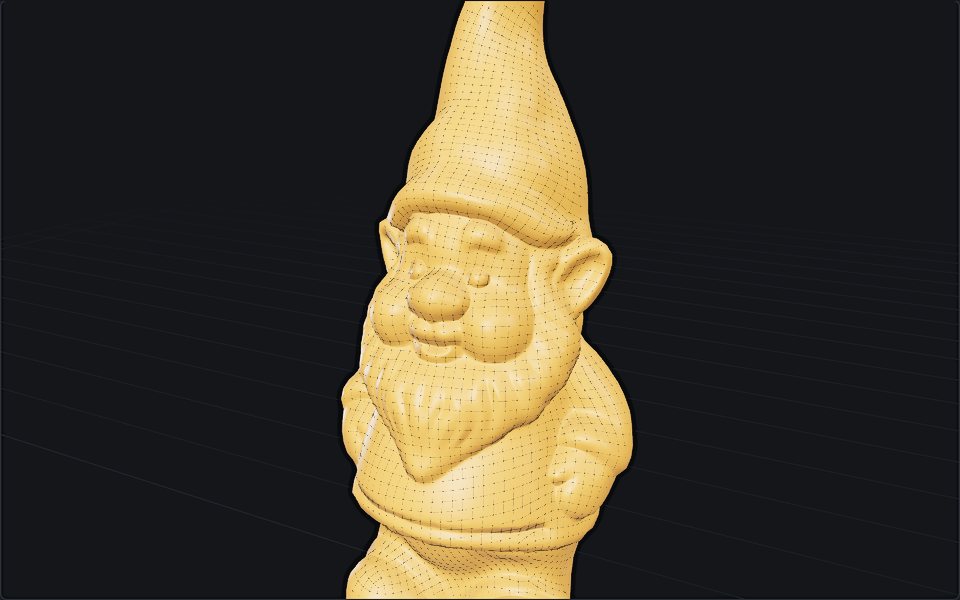
29 September 2026 · 4 min
What is retopology, and when automatic is enough
Retopology rebuilds a messy mesh as clean, even quads. Why models need it, manual versus automatic, the tools in Blender and beyond, and where they fail.
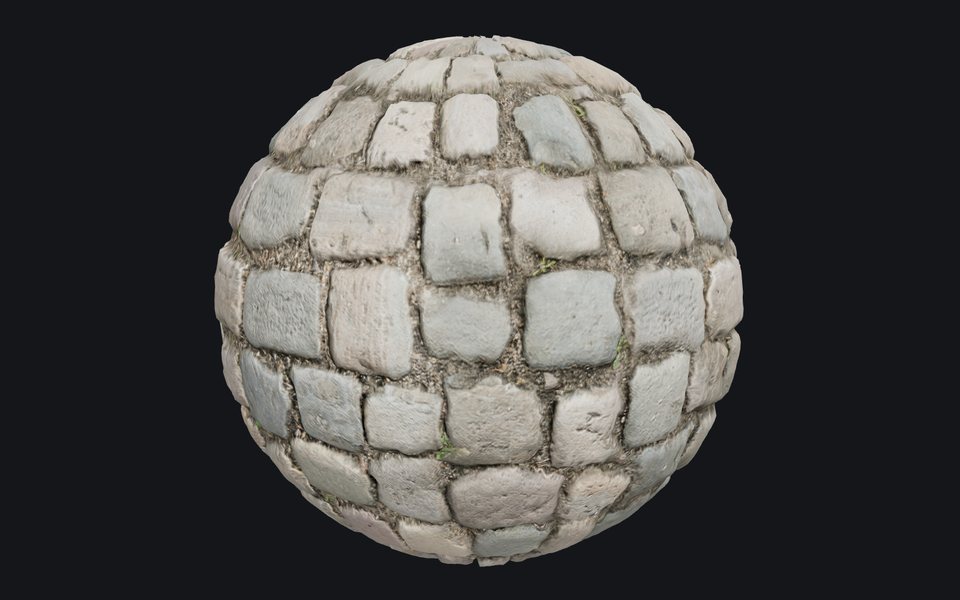
29 September 2026 · 5 min
What is a normal map, and why is it purple?
A normal map fakes bumps without adding polygons. How its colours encode direction, OpenGL versus DirectX, normal versus bump, and how to make one.
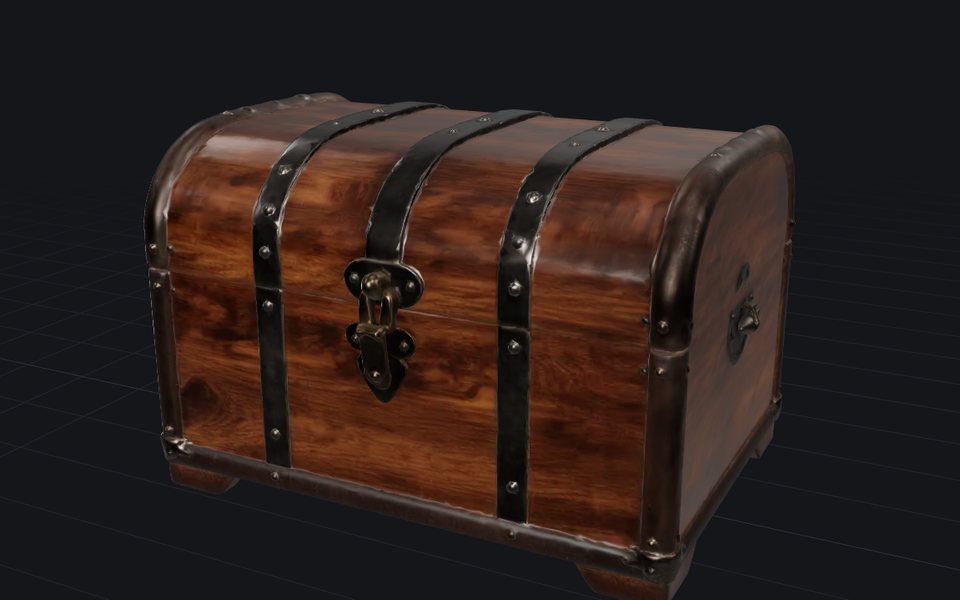
24 September 2026 · 4 min
How image to 3D works, and why the back is a guess
One photo in, a textured mesh out in about half a minute. What happens in between, what the model cannot know, and the photo that gives it a chance.